
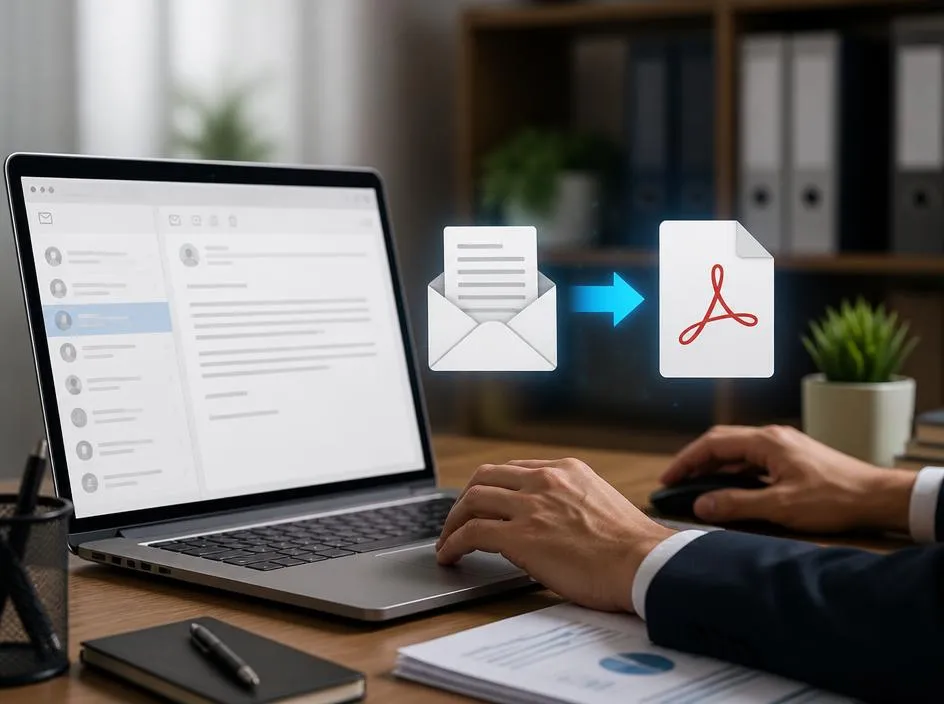
Transforming your digital correspondence into a portable format is an essential skill for managing your records effectively. When you need to save an email as a pdf document, you ensure that your critical information remains accessible regardless of the platform or software you are currently using. This approach is highly effective for archiving important business discussions, legal receipts, or sensitive project updates that require long-term retention. Mastering this simple digital workflow allows you to maintain clean, searchable, and organized archives while protecting your valuable data from any potential service provider system outages or account access issues.
Maintaining a structured digital filing system becomes much easier when every piece of correspondence is standardized. By converting your messages, you can compile them into reports or attach them to external storage solutions for secondary backups. Whether you are dealing with billing confirmations or complex project logistics, this method provides a universal solution for your documentation needs. Understanding the nuances of file export will help you streamline your personal productivity workflows. Continue reading to explore the various technical approaches that allow you to preserve your digital communications with absolute precision and professional consistency.
💡 Pro Tip for Archiving
Always include the header information such as timestamps and sender details when you choose to export your messages. This metadata is crucial for maintaining the authenticity of your archived documents during future audits or reviews.
Why portability matters for your digital records
In today’s fast-paced digital environment, relying solely on cloud-based servers can sometimes present significant risks regarding data longevity. Having a localized version of your communication ensures that you are not dependent on internet connectivity to retrieve specific details from months or years ago. This level of control is fundamental for professionals who manage high-stakes client relationships.
Furthermore, standardizing your file formats simplifies the process of searching through years of history. A flat document remains readable by virtually any device, unlike proprietary email formats that often require specific software suites to open correctly. This makes your technical documentation much more resilient against sudden changes in technology.
Key Takeaways for Data Management
- Organize files by client names or project dates.
- Use descriptive naming conventions for easy retrieval later.
- Perform periodic backups to external drives for safety.
- Avoid converting multiple threads into a single oversized file.
Manual methods for browser-based email systems
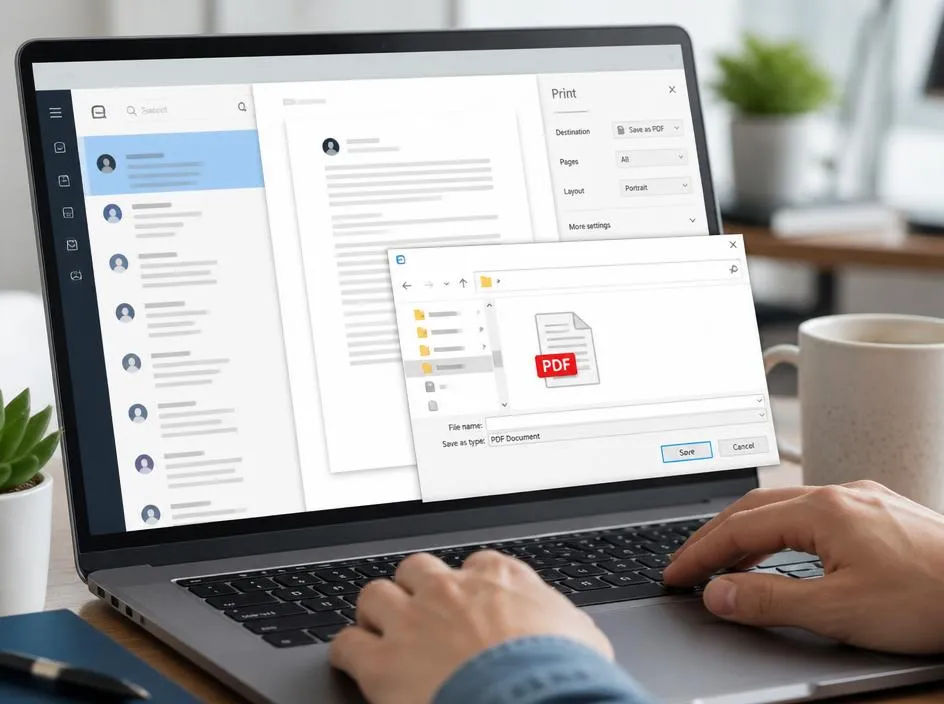
If you use a web-based client, the native print function is your most powerful tool. By accessing the print dialog of your browser, you can select the print to file option. This native command converts the webpage structure into a structured layout that preserves the formatting, inline images, and text content of your email.
This process is remarkably efficient because it ignores unnecessary sidebar elements or advertisements, focusing solely on the core content. If you are learning how to manage energy resources, you will appreciate how these small software optimizations save significant time. Simply navigate to the print menu and ensure that the scale settings are adjusted for optimal document readability before finalizing your export.
✅ Steps for Success
Open your message, locate the printer icon or settings menu, select the destination as save as, and then confirm your storage location. This ensures you have archived your data correctly without losing essential formatting details during the transformation process. It is a quick and reliable way to maintain consistent records throughout your career.
Automating your archive flow with modern tools

For high-volume users, manual printing might become inefficient over time. Many users leverage dedicated software extensions or integrated services that batch export messages directly from the server. These tools are designed to maintain the original thread integrity while automatically generating descriptive filenames, which saves countless hours of manual data entry and renaming tasks.
When you automate these tasks, you significantly reduce the chance of human error. Similar to how one would leverage backup power solutions for critical systems, setting up automated archiving rules protects your workflow. This allows you to focus on the content of your communication rather than the administrative burden of file management.
Security considerations for sensitive information
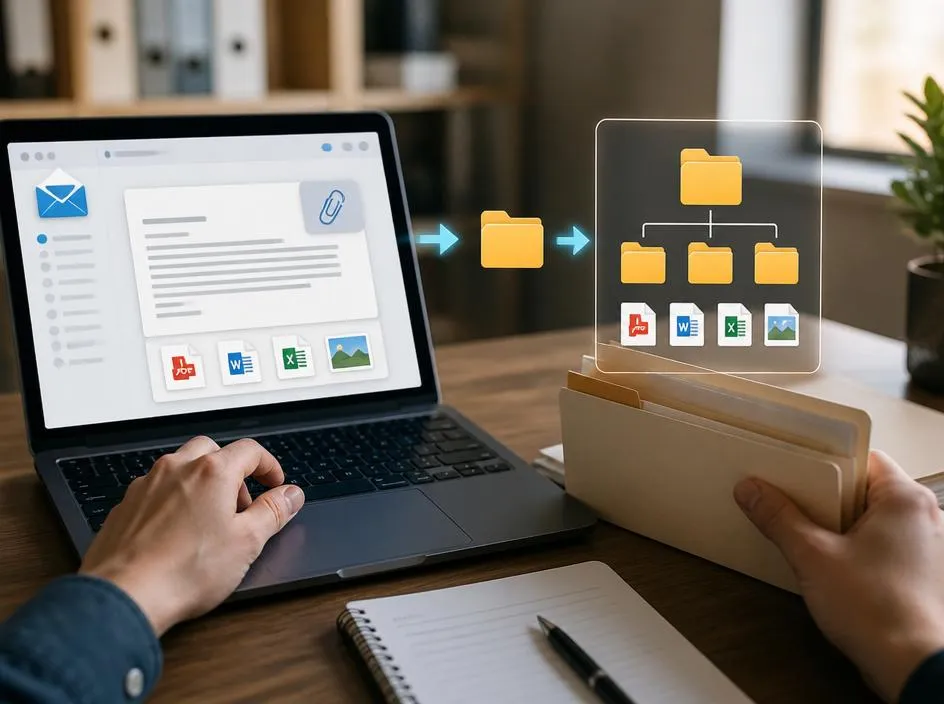
When preserving private correspondence, you must consider the security of the resulting files. Storing sensitive information on an unencrypted drive poses a risk. Always ensure that your local storage is protected by encryption software. Protecting your digital footprints is as important as creating them, especially when dealing with proprietary business information or personal identification data.
Before you commit to a storage strategy, consider whether your documents contain confidential details. Just as you would handle a hardware repair safely, you should apply rigorous standards to your digital hygiene. Use strong passwords for your local archives to ensure that only authorized personnel can access your historical records, keeping your professional integrity intact throughout the process.
Always verify the output before deleting the original server message. Ensure that all attachments are bundled or saved separately to avoid link breakage. Maintaining these organized archives will serve your future self during unexpected system transitions, providing you with a reliable safety net for your professional legacy.
