
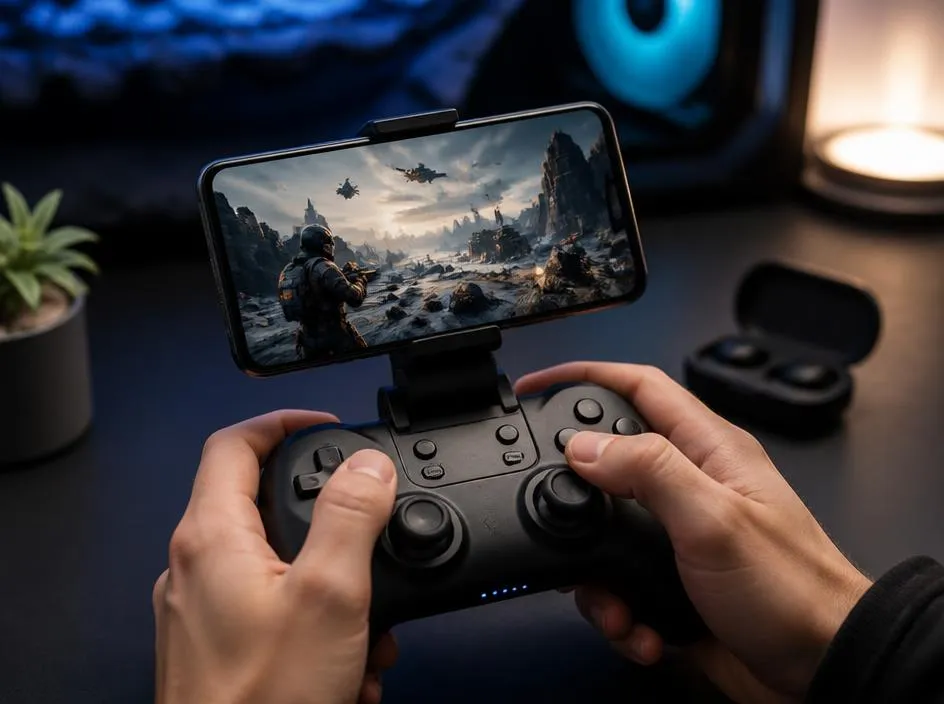
Finding high-quality controller supported games android titles has become a priority for many mobile players who seek console-like precision. Touch controls often fail to provide the necessary feedback required for fast-paced action or complex role-playing experiences. By connecting a wireless gamepad, you unlock a superior level of gameplay accuracy and comfort. Most modern devices now support seamless Bluetooth connectivity with popular controllers, ensuring that your transition from mobile screen to tactile button inputs is smooth and reliable for almost any genre you choose to enjoy today.
Whether you are a casual player or a dedicated enthusiast, the library of titles optimized for external hardware is constantly growing. Developers are increasingly recognizing the demand for professional-grade controls on portable platforms. If you encounter any issues with connectivity or configuration, you might want to look into expert tech tips to ensure your device settings are correctly optimized. Let us dive deeper into the best categories and specific titles that will transform your smartphone into a powerful and versatile portable gaming station.
💡 Quick Setup Tip
Before launching your favorite game, always verify that your controller is paired in the Android Bluetooth menu. Some games require you to navigate the main menu using the controller buttons immediately after startup to activate the native mapping support.
Top action titles with native controller support
Action games benefit most from physical buttons because timing and reflex are crucial for survival. Titles like Dead Cells or Castlevania provide an experience that feels perfectly at home on a controller. You gain better control over character movement, dodges, and complex combat combos that are difficult to execute on a glass display. This makes them truly essential controller supported games android picks for anyone looking to challenge themselves with difficult boss fights or intense platforming sequences without frustration.
When you start playing these titles, you will quickly notice how the responsiveness changes the entire dynamic. It is not just about convenience but about achieving mastery over the game mechanics. To manage your device background processes effectively while gaming, consider checking resources like phone settings guide to keep your hardware running smoothly during long sessions. High-octane action becomes significantly more accessible and enjoyable once you have the right ergonomic tools in your hands.
✅ Pro Controller Checklist
- Check for native Bluetooth gamepad compatibility in the settings menu.
- Ensure your battery is fully charged before entering long sessions.
- Map custom buttons if the game allows for personalized keybinds.
- Update your OS firmware to maintain stable input registration.
How to choose the right gamepad for mobile
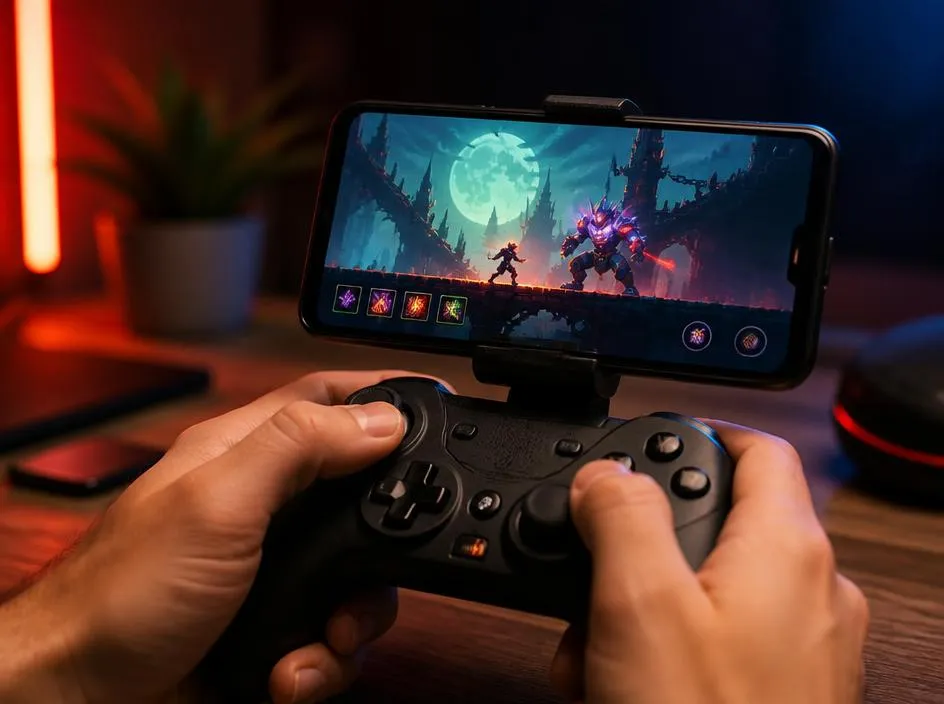
Selecting the best hardware is as important as choosing the game itself. You should look for controllers that offer ergonomic grips, low latency, and universal compatibility. Many players prefer Xbox or PlayStation controllers because of their build quality and immediate recognition by the Android operating system. However, dedicated mobile clips are also useful if you want to keep your phone attached to your controller for a handheld console experience similar to the Switch or dedicated mobile systems.
While exploring the intersection of gaming technology and digital presence, it is fascinating to observe how user interfaces evolve. Just as we use science of comfort to optimize our physical environment, we use specialized gear to improve our digital interaction. Investing in a high-quality gamepad is essentially an investment in your long-term gaming comfort, preventing hand fatigue and allowing for much longer play sessions without the typical soreness associated with awkward touchscreen gestures.
🏆 Recommended Categories
Focus on retro emulators, high-end 3D adventure games, and competitive racing titles. These three categories consistently provide the best experience when paired with a controller, offering the most significant improvement over default input methods currently available on the market.
Strategy and simulation games on the go
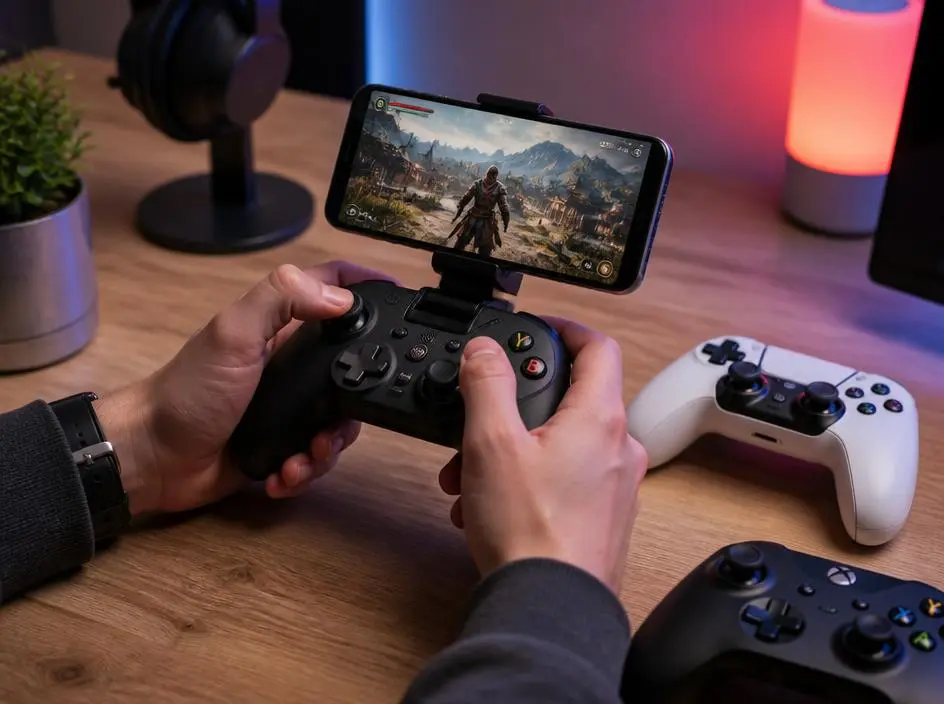
While action games are the most obvious beneficiaries, strategy and simulation titles also see a massive boost in playability. Managing complex menus, building bases, or navigating large maps becomes a breeze with the directional pad and analog sticks. Instead of tapping through several layers of UI, you can quickly scroll through options, which saves time and improves your overall efficiency. This is vital for those who value speed and organization within their virtual world adventures.
Expanding your digital capabilities often involves learning how to manage your presence across different platforms. If you happen to be a creator, you might also be interested in how to boost digital reach to share your gaming insights or high-score runs with a larger audience. Combining high-performance gaming with smart digital management creates a well-rounded experience that elevates your hobby into a more professional and rewarding endeavor on your Android device.
⚠️ Potential Compatibility Warnings
Not every game labeled as having controller support works with every single gamepad model. Some titles are specifically optimized for specific brands. Always check the official game page on the store to see if your specific controller model is listed as supported before making a purchase.
Maximizing your mobile gaming performance
Beyond the hardware, software configuration plays a huge role in your success. Ensure that your Android device is set to « Game Mode » if available, as this reduces latency and blocks notifications that might interrupt your focus. Clearing your cache and keeping your software updated will also help in maintaining high frame rates. When your device is performing at its peak, the combination of a physical controller and a high-refresh-rate display creates a truly premium gaming environment that rivals expensive dedicated handheld consoles.
Finally, remember that the ecosystem of gamepad enabled apps is constantly expanding. New titles are released every week that prioritize external input, making it easier than ever to find content you love. Experiment with different genres, try new controller layouts, and keep your software environment clean. By staying informed and maintaining your gear, you ensure that your mobile gaming sessions remain a top-tier activity, providing endless entertainment and a professional level of precision regardless of where you are located during your busy day.
