
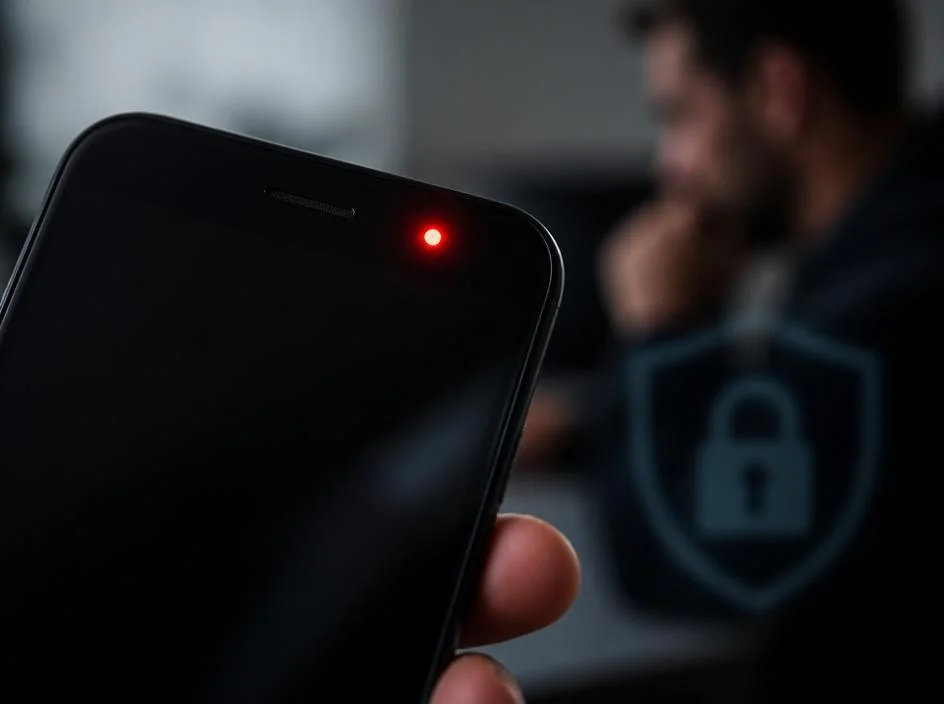
Seeing a mysterious red light on phone screen can be an alarming experience for any mobile user. Often appearing near the top bezel or camera lens, this indicator typically suggests that internal sensors are active or a notification is pending. Modern smartphones utilize various LED signals to communicate status updates, hardware functions, or potential errors that require your immediate attention. Understanding why these lights activate helps you distinguish between normal device operations and legitimate technical issues that might necessitate a professional review of your specific mobile hardware settings.
This light often signals that your device is performing background processes, such as facial recognition or proximity detection during calls. While it is rarely a sign of severe malfunction, persistent glowing can sometimes indicate that an application is accessing your hardware without authorization. Whether you are using the latest flagship model or an older device, identifying the root cause ensures your privacy remains intact. We will explore the common technical reasons behind this phenomenon and provide you with actionable steps to troubleshoot your smartphone effectively and keep your personal data secure.
💡 Quick Diagnostic Checklist
- Check if the light disappears after locking the device.
- Verify if a proximity sensor is triggered during phone calls.
- Ensure your camera or microphone permissions are currently disabled.
- Restart your handset to clear potential background software glitches.
Common causes for a blinking red light on phone screen
Most manufacturers design their hardware with subtle indicators to help users monitor battery health or connectivity status. If you notice a red light on phone screen while charging, it often represents a low battery state that is currently insufficient to boot the operating system. This is a standard safety feature intended to prevent permanent damage to lithium-ion cells during deep discharge cycles. Plugging your device into a reliable power source for at least thirty minutes should resolve this specific indication by allowing the system to accumulate enough energy for a proper reboot sequence.
Beyond battery management, sensor activity is the most frequent culprit behind unexpected illumination. Modern handsets feature infrared emitters for biometric authentication or proximity sensing, which may occasionally be visible to the human eye under specific lighting conditions. If you are struggling with complex technical settings, partnering with a digital agency can provide professional insights into troubleshooting modern hardware. Understanding how these sensors interact with your daily tasks helps alleviate the stress associated with seeing unexplained lights on your device during routine usage periods.
Is my device recording without my permission?
Many users worry that a constant light indicates unauthorized surveillance or hidden recording software active in the background. While privacy is a valid concern, most modern mobile operating systems include advanced indicators to warn you when the microphone or camera is currently engaged by an application. If you see a persistent red light on phone screen despite closing all active windows, you should check your privacy settings immediately. Navigate to the permissions menu to review which apps have been granted access to your essential hardware components during the previous hours.
It is important to remain vigilant about the software installed on your mobile device to avoid security risks. Sometimes, a poorly optimized application might hold a hardware lock, causing the sensor indicator to remain active indefinitely. You might consider exploring digital agency solutions to ensure your mobile security protocols are managed correctly. By restricting permissions for suspicious software, you can effectively regain control over your hardware sensors and ensure that your private activities remain entirely confidential while you are navigating through various online services.
⚠️ Security Warning
If the light remains on while the device is in sleep mode, perform a factory reset after backing up your data. This ensures that no hidden malware is controlling your hardware sensors silently.
Troubleshooting steps for consistent sensor issues
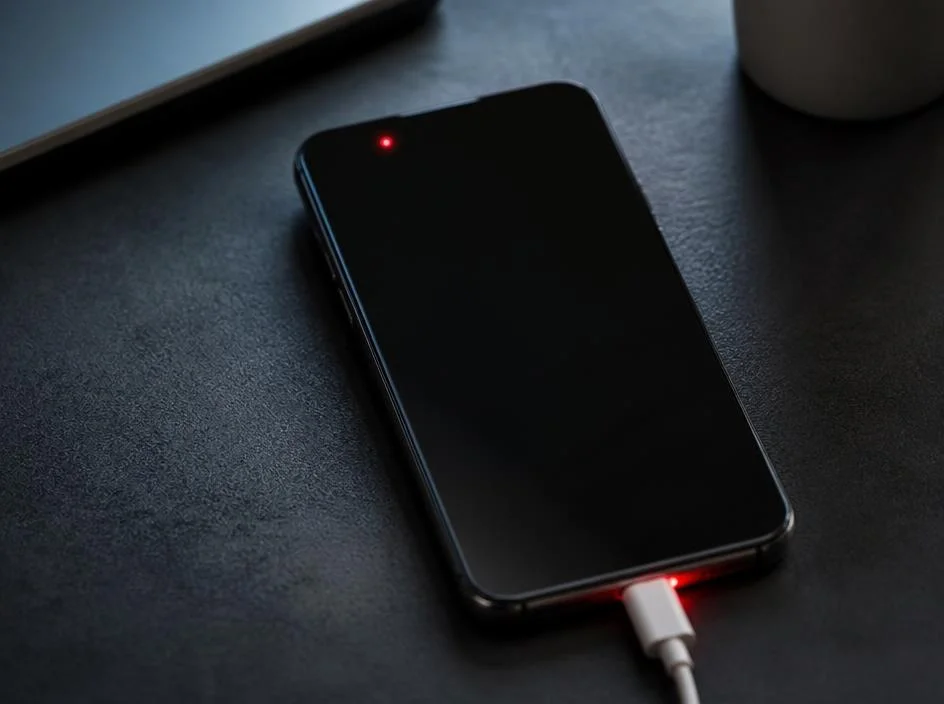
When software troubleshooting fails, the issue might stem from a hardware malfunction or a stuck proximity sensor. If you frequently encounter a red light on phone screen, examine the physical area around the sensor for debris, dust, or screen protector misalignment. A thick or low-quality screen guard can sometimes cover the sensor array, causing it to misinterpret ambient light levels and activate incorrectly. Cleaning the front of your device with a microfiber cloth can often resolve these types of minor hardware-level triggers without requiring professional repairs.
If the light persists, consider if your device has recently suffered from a drop or liquid contact, which can damage delicate internal components. For those managing business assets, maximizing savings through leasing or hardware maintenance contracts can help mitigate costs associated with persistent technical failures. If the issue is related to a internal component failure, it is best to visit an authorized service center rather than attempting to disassemble the handset yourself. Professional diagnostics are crucial to maintaining the long-term integrity of your mobile device.
✅ Pro Tip
Always keep your operating system updated to the latest version. Manufacturers frequently release patches that resolve bugs related to sensor management and indicator lights.
When to seek professional hardware support
Determining when to stop troubleshooting and start looking for repairs is essential for any smartphone user. If you have performed a full factory reset and still notice a flickering red light, the issue is likely hardware-related. This could be due to a faulty internal flex cable or an aging sensor component. Continuing to use a device with unknown hardware errors can sometimes lead to further complications, such as battery degradation or overheating. Professional technicians possess the diagnostic tools necessary to isolate the component that is triggering the light prematurely.
Furthermore, those who rely on mobile technology for their professional operations should prioritize consistent performance. If you are interested in tax-effective ways to manage your business assets, looking into electric car novated lease structures might offer unexpected financial relief during times when you need to replace your mobile fleet. Ultimately, your peace of mind is worth the investment of professional care. Ensure that you choose reputable service centers that prioritize data security and use original manufacturer parts to restore your phone to its full operational efficiency during every task.
🔍 Troubleshooting Summary
- Battery level: Charge for at least 30 minutes.
- Privacy: Review app permissions in system settings.
- Hardware: Clean sensor area and remove screen protectors.
- Software: Update OS and clear cached background data.
While the appearance of a red light can cause frustration, it is often a benign system signal. By carefully checking your settings and monitoring the behavior of your handset, you can effectively manage these occurrences. Always prioritize your device security by restricting unnecessary access and keeping your software updated to prevent any potential unauthorized hardware use. If you follow these guidelines, you will likely resolve the mystery of the light quickly. Remember that modern electronics are complex, but understanding their basic communication methods provides you with the knowledge to maintain your smartphone for years to come.
