
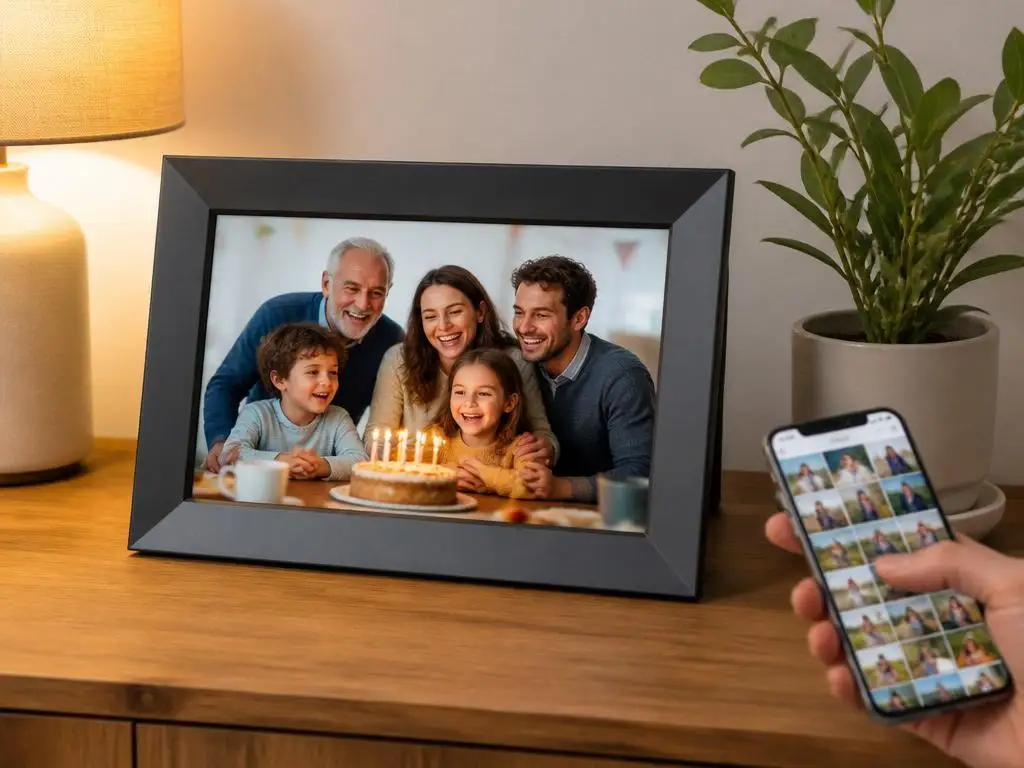
Modern technology has completely revolutionized how we share our favorite memories with loved ones at home. Setting up the elegant aeezo 10.1 inch wifi digital picture frame allows you to showcase precious moments instantly from anywhere in the world.
This comprehensive guide will help you configure your new display effortlessly while optimizing its smart features for daily use. Explore the simple steps to connect with family members and ensure your beautiful slideshows run seamlessly every single day. Let us begin this exciting setup journey together.
Why buy the aeezo 10.1 inch wifi digital picture frame?
Selecting a high-quality display for your family photos can completely transform your living space. The aeezo 10.1 inch wifi digital picture frame offers an incredible way to keep relatives connected regardless of geographical distance. It serves as an interactive window into your daily life for everyone.
Traditional printed albums often end up gathering dust on deep living room shelves. Modern wireless screens solve this problem by continuously rotating your most precious photographic memories throughout the day. This technology ensures that every single snapshot receives the appreciation and attention it truly deserves.
The screen offers exceptional resolution that brings every single detail to life beautifully. With its wide viewing angle, family members can enjoy bright, clear pictures from anywhere in the room. It blends seamlessly with modern home decor while providing advanced high-tech functionality.
Parents and grandparents will particularly appreciate how simple this device is to operate daily. Once the initial installation is complete, they do not need to manage complex settings or menus. Pictures simply appear on the screen automatically, bringing immediate joy to their everyday routine.
⚙️ Essential Quick Start Checklist
- Unbox the device and connect the power adapter securely.
- Select your preferred language during the initial boot sequence.
- Connect to your home wireless network using the touch keyboard.
- Download the official photo management application on your phone.
How do you configure the wireless connection?
Establishing a stable network connection is the foundation of your digital photo experience. Navigate to the network settings menu on your touch screen to scan for available local connections. Select your home network and enter the password carefully to link your device successfully.
A reliable network connection ensures that your screen can receive images from anywhere globally. If you encounter any unexpected network disconnects during this process, restarting your router can resolve the problem. Similar steps are often required during other modern mobile device setups in the home.
Ensure that your wireless network uses a compatible frequency for the best performance. Most smart display devices operate best on a standard band to maintain stable long-range connections. Keep the device within reasonable range of your wireless router to prevent transmission delays.
Once connected, the frame will automatically check for important system firmware updates online. Allowing these updates to install ensures you have the latest features and security patches active. This automated process takes only a few minutes and requires no technical expertise.
📱 Linking the Smartphone App
To start sending photos, open the application on your mobile device and enter the unique connection code displayed on your screen. This secure code pairs your devices instantly, protecting your privacy from external users.
Optimizing the screen for perfect viewing
Finding the ideal settings for your display screen enhances your overall viewing pleasure. Access the display menu to adjust brightness levels according to the ambient light in your room. This simple customization prevents glare during sunny days and reduces eye strain at night.
You can also configure the sleep schedule to save energy when everyone is sleeping. Set the device to automatically turn off late at night and wake up early in the morning. This helpful feature extends the lifespan of the hardware while reducing electricity consumption.
The ips touch screen provides outstanding color accuracy and vibrant contrast from every single angle. To maintain this premium visual performance, clean the display occasionally with a soft microfiber cloth. Avoid using harsh chemicals that could damage the sensitive protective layer.
Adjusting the transition speed between photos is another excellent way to customize your experience. Choose from subtle fade transitions to energetic slide effects depending on your personal aesthetic preferences. A slower transition rate allows you to fully appreciate each individual memory.
What are the best photo sharing methods?
Sharing memories with your family should be an effortless and enjoyable process every day. The official companion app makes sending multiple high-resolution pictures to the screen incredibly simple. Friends can also download the app to share their own exciting life updates with you.
You can easily add descriptive captions to your images before sending them over the air. These captions appear neatly at the bottom of the screen, providing context to every photo. It is a wonderful way to tell a story and share messages across distances.
Utilizing the frameo app allows you to manage multiple connected screens from a single phone. This is highly convenient if you have gifted displays to grandparents or other distant relatives. You can send identical holiday photos to everyone simultaneously with one tap.
For those who prefer physical media, the integrated card slot provides a reliable alternative. Simply load your favorite pictures onto a compatible memory card and insert it directly into the frame. This offline method works perfectly even without an active internet connection.
💡 Pro Tip: Optimize Photo Resolution
For the sharpest display quality, crop your images to a 16:10 aspect ratio before sending them. This prevents black bars on the sides of your landscape photos and ensures your memories fill the entire vibrant high-definition display beautifully.
Simple steps to troubleshoot common issues
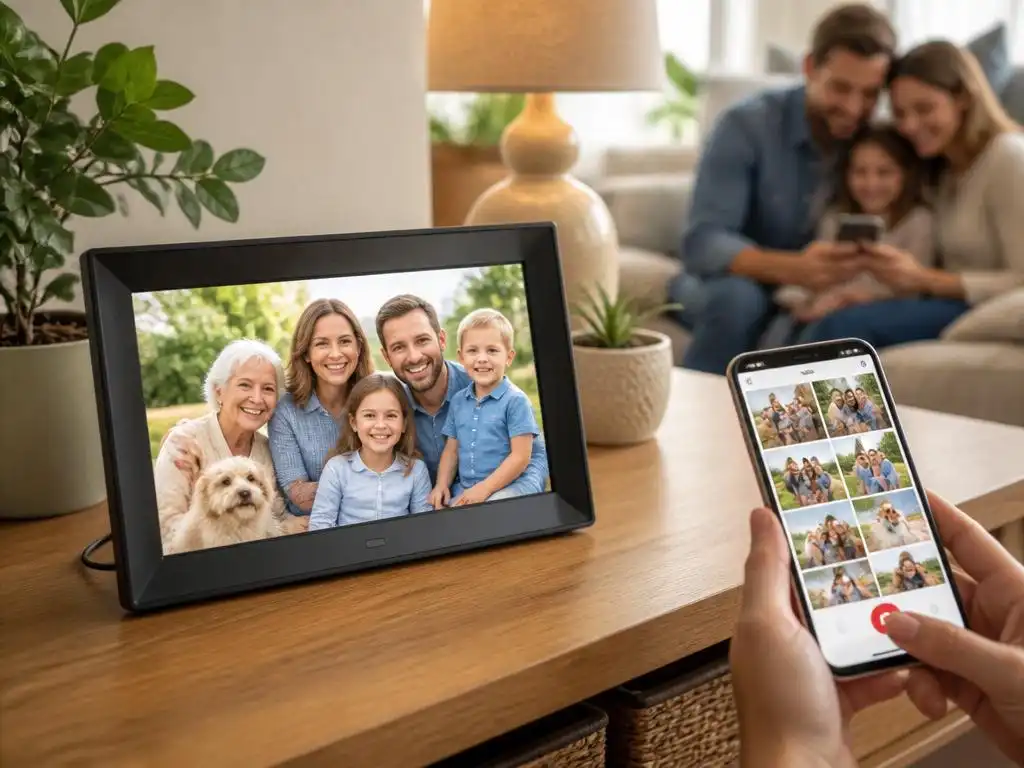
Resolving connection drops on your wifi photo frame
Occasionally, your smart home devices might encounter unexpected wireless network dropouts. If your photo display suddenly stops receiving new images, verify that your home internet is functioning. A simple reboot of both the display and your router usually resolves the issue.
If you experience software lockups during initial configuration, do not worry or panic. You can easily fix connectivity issues by resetting the network profiles within the setup menu. Keeping the operating system updated will also prevent future technical glitches.
Sometimes, high traffic on local networks can slow down photo delivery times temporarily. If images take longer than usual to appear, try reducing the file sizes before sending. This simple adjustment ensures faster delivery over congested or slower home wireless networks.
When setting up complex home devices, some users seek external guidance for optimal configuration. Just as businesses carefully select professional experts to manage their digital presence, homeowners can rely on official online communities for troubleshooting. Seeking help ensures a smooth setup.
Managing your photo library efficiently
Manage storage on your aeezo 10.1 inch frame
With several gigabytes of internal storage, you can store thousands of images comfortably. However, managing your growing library is essential to keep the display organized and fresh. Regularly delete outdated or duplicate photos to make room for new exciting family adventures.
You can easily hide specific photos from the active slideshow without deleting them permanently. This allows you to curate special themed displays for holidays, birthdays, or family gatherings. Simply toggle the visibility settings for any image directly from the touch interface.
Effective cloud storage management allows you to keep your media secure and organized. By keeping backups of your favorite photos on a personal computer, you ensure they are never lost. You can always reload your cherished memories if you ever decide to reset the device.
Encourage family members to send only their absolute best pictures to keep quality high. A curated collection of meaningful moments is much more enjoyable than hundreds of repetitive snapshots. This thoughtful approach makes every glance at the screen a truly delightful experience.
| Storage Type | Key Advantage | Best Use Case |
|---|---|---|
| Internal Memory | Instant playback & offline use | Everyday favorite slideshows |
| MicroSD Card | Massive storage expansion | Archived family vacation albums |
| WiFi Cloud | Real-time updates anywhere | Sharing instant updates with relatives |
Creative ways to display your memories
There are countless creative ways to integrate this modern display into your home. Mount the device on a central hallway wall where everyone passes by daily. This turns a simple corridor into an evolving artistic gallery of your family’s history.
Placing the display on a bedside table is another wonderful option to consider. It allows you to wake up to warm memories of friends and family every morning. The built-in alarm clock feature adds practical utility to your beautiful decorative display.
You can also use the device to display stunning landscape art during quiet times. When you want a change from family photos, upload high-quality nature photography to create a peaceful atmosphere. This versatility makes the screen a dynamic element of your home design.
Using the auto-rotation feature allows you to display photos in both portrait and landscape orientations. The built-in gravity sensor detects the position and adjusts the image layout automatically. This flexibility means you never have to worry about how you capture your photos.
« A beautiful digital screen does more than show images; it bridges the physical gaps between families, turning everyday moments into shared experiences that bring us closer together. »
Choosing the perfect placement in your home
Selecting the best location for your device determines how often you enjoy your photos. Busy areas like kitchens or family rooms are ideal spots for maximum daily visibility. These high-traffic areas allow everyone to catch glimpses of beautiful memories during their daily routines.
Make sure there is a convenient electrical outlet nearby to power the device securely. Concealing the power cord behind furniture or wall decor maintains a clean and professional look. This simple aesthetic consideration makes your modern digital frame look like a traditional art piece.
Avoid placing the screen in areas with high humidity or extreme temperature fluctuations. Keeping the device away from kitchen stoves or bathroom steam protects the internal electronics. This simple precaution ensures your digital display functions perfectly and reliably for many years.
Consider the viewing height when mounting or placing your display on a table. Setting the device at eye level ensures everyone can view the photos comfortably without straining. This thoughtful placement maximizes the visual impact of your colorful and vibrant display.
Keeping your device clean and updated
Regular maintenance ensures your smart home technology continues to operate smoothly. Dust the frame gently with a dry cloth to prevent particles from blocking the sensors. This simple task takes only a few seconds but keeps your device looking brand new.
Check the official application periodically for new features and performance enhancements. Software updates can introduce exciting new transition effects, improved security, or simplified interface layouts. Staying updated ensures you always enjoy the best possible user experience from your technology.
If you plan to travel, you can easily set the device to power down completely. This protects the hardware and saves energy while you are away from home. Simply plug it back in upon your return to resume enjoying your beautiful slideshows.
Sharing life’s beautiful moments with loved ones has never been more convenient or enjoyable. By properly configuring, optimizing, and maintaining your display, you create a dynamic gallery of memories. Enjoy the continuous connection and joy this modern technology brings to your household.
