
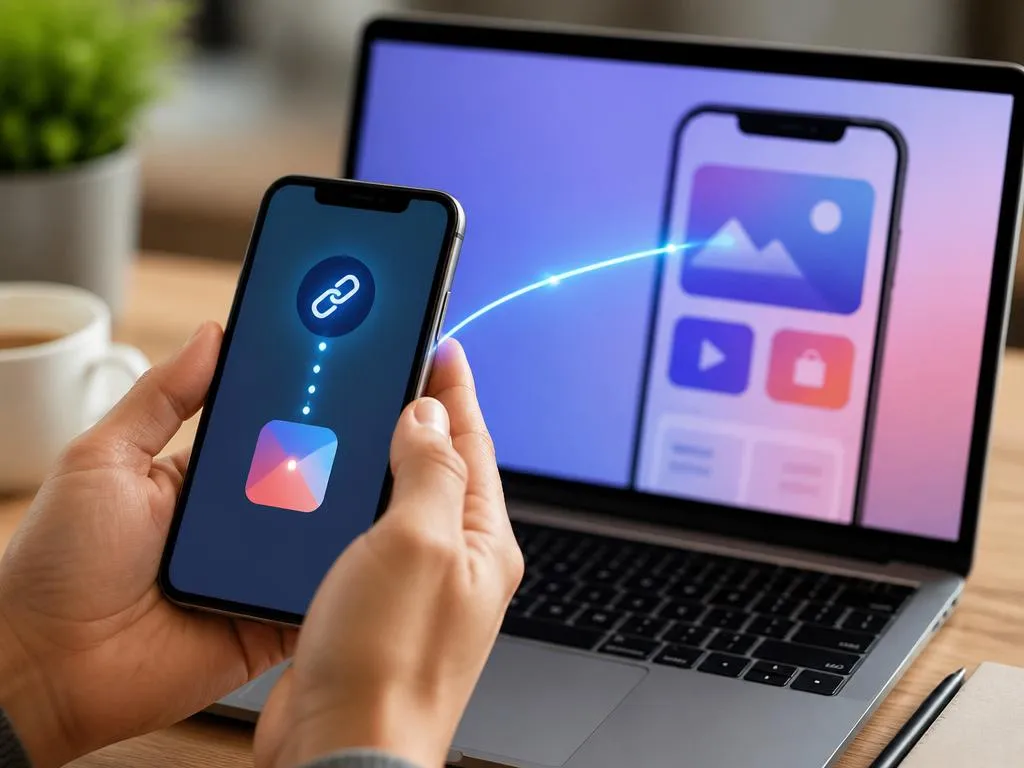
Navigating between mobile websites and native applications often introduces friction for modern smartphone users. To eliminate this issue, utilizing a deep link generator free tool helps establish a direct bridge to specific in-app screens. By replacing broken paths with continuous pathways, digital managers can significantly enhance interaction quality while reducing sudden drop-offs.
This technical manual explores the practical steps required to configure reliable mobile redirection protocols across diverse operating systems. You will learn how to build custom destination links that bypass default web browsers to open native interfaces instantly. Read on to master the configuration process and elevate your mobile app journey effortlessly.
Understanding mobile redirection mechanics
Mobile devices process web addresses differently depending on their built-in operating systems and default browser configurations. When a user clicks a traditional link, the device typically opens a browser tab instead of launching the corresponding native application. This disconnect disrupts the narrative flow and frequently causes frustrated users to abandon their journey entirely.
To solve this operational issue, developers rely on advanced routing mechanisms that communicate directly with device operating systems. These protocols determine whether the target application is currently installed on the user device. If the software is present, the system immediately launches the app and displays the correct internal screen seamlessly.
The role of deep linking in modern apps
Modern application ecosystems require precise routing to maintain user interest across multi-channel promotional campaigns. By directing users to specific products rather than generic homepages, companies can maintain context throughout the journey. This targeted approach respects the user time and simplifies complex processes like completing a purchase or viewing special content.
Furthermore, personalized pathways allow marketing teams to create unified experiences across emails, social media, and physical QR codes. When users experience a smooth transition from an external promotional post to an in-app checkout page, their trust increases. Implementing these specific pathways is essential for long-term retention in competitive digital marketplaces.
Why standard URLs fail on mobile devices
Standard web addresses are inherently designed for desktop browsers and struggle to interact with mobile application architectures. When clicked on a smartphone, these generic URLs often force users to log in again through mobile web interfaces. This repetitive security step creates unnecessary frustration and often leads to immediate session termination by users.
Additionally, mobile web browsers cannot access native device features like biometric sensors, cameras, or local storage effectively. When standard URLs restrict access to these capabilities, the overall quality of the interactive experience suffers. Moving away from traditional web links toward native routing protocols resolves these technological limitations quite efficiently.
💡 Key Takeaways of Mobile Redirection
- Direct routing minimizes user drop-off rates on smartphones.
- Native applications offer superior features compared to mobile browsers.
- Dynamic links preserve context during multi-channel marketing campaigns.
Choosing a deep link generator free tool
Selecting the appropriate utility to generate your direct routing links is crucial for maintaining operational stability. A reliable deep link generator free tool provides accessible ways to format custom addresses without requiring complex programming knowledge. These services simplify the translation of standard web destinations into specialized mobile commands that devices recognize.
When evaluating available software, developers must prioritize security features, URL customization limits, and direct redirection accuracy. Many platforms offer basic link creation without charge, making them perfect for growing projects and small businesses. Utilizing these entry-level resources allows teams to test custom routing pathways before committing to expensive subscriptions.
Essential features of a free link creator
A high-quality redirection utility must support both Android App Links and iOS Universal Links to ensure cross-platform compatibility. The system should also provide fallback capabilities that redirect users to appropriate app stores when software is missing. Without these essential backup features, links will simply fail for users who do not have your app.
Additionally, look for platforms that offer basic analytics to track click frequencies and device distributions over time. Just as modern developers focus on scaling modern infrastructure for demanding digital services, marketers need solid foundations for link tracking. Comprehensive reporting tools ensure you can measure and optimize every campaign link.
How to configure deep links for iOS and Android
Configuring seamless cross-platform links requires a systematic approach to ensure both major operating systems accept your routing protocols. Each platform utilizes distinct security verification processes to prevent unauthorized applications from hijacking specific web domains. Understanding these platform-specific requirements is the first step toward building secure, reliable redirection pathways for your audience.
For Apple devices, you must establish a secure connection using an association file hosted on your web domain. Android devices require a similar verification process using digital asset links to guarantee secure application routing. Let us examine the precise steps needed to deploy these verification files correctly on your digital servers.
Setting up association files on your server
To configure iOS Universal Links, create a JSON file named apple-app-site-association without any file extensions on your server. This document must reside inside a secure directory named well-known at the root level of your website. The file contains your application bundle identifiers and specifies which web paths should trigger the application.
For Android devices, you must generate a file named assetlinks.json and place it in the same secure directory. This file requires your application package name along with the sha256 fingerprints of your software signing certificate. Properly configuring these files prevents mobile web browsers from intercepting links intended for your native application.
⚠️ Essential Server Configuration Warning
Always ensure your server delivers association files over a secure HTTPS connection. Failing to use valid SSL certificates will cause mobile operating systems to reject your deep links, reverting users to standard browser views instead of opening your app.
Generating your first mobile redirection path
Once your server-side validation files are successfully deployed, you can begin generating custom redirections using your preferred tool. Enter your target destination web URL into the generator dashboard to create your formatted mobile link. The system will output a clean address configured to handle various device environments automatically.
Before distributing the newly created URL, perform thorough testing using physical devices running different software versions. Ensure the link opens the exact specified page within your application rather than simply launching the splash screen. Consistent testing guarantees a flawless mobile user experience across your entire digital marketing ecosystem.
Overcoming technical routing hurdles
Implementing mobile redirection systems can introduce several unexpected technical challenges during the initial development phases. One common issue occurs when popular social media browsers block external application routing to keep users inside their platforms. Understanding how to navigate these walled gardens is essential for maintaining consistent performance across all channels.
To resolve social media browser restrictions, many advanced link creators implement intermediate landing pages with simple interactive prompts. These helper pages guide users to open the link in their primary system browser, triggering the desired app launch. This creative workaround ensures high conversion rates even within heavily restricted social application environments.
Another technical hurdle involves managing old application versions that do not support recently configured internal routing paths. Developers must design fallback strategies that direct users to update their software if incompatibilities are detected. Just as professionals need structured systems for organizing video assets, developers must organize version control systems meticulously.
Finally, dynamic link behaviors can fail if users are connected to highly restrictive corporate networks or public virtual networks. Running automated validation scripts helps verify that your routing parameters remain intact across various network conditions. Proactive testing prevents unexpected failures and ensures your system handles diverse user connection environments gracefully.
💡 Pro Tip: Leverage Deferred Redirections
Use deferred links to preserve user intent even when your app is not installed. When a new user clicks the link, they are routed to the store, and upon installation, they are immediately brought to the specific page they originally wanted.
How to track deep link performance accurately
Tracking consumer interaction data is critical for refining your overall mobile engagement strategies and evaluating campaign performance. By measuring how users interact with your specialized links, you can identify which marketing channels generate the best results. Accurate tracking reveals helpful patterns in user behavior and highlights potential roadblocks within the app journey.
To gather comprehensive insights, integrate analytics SDKs that track post-install events and link click metadata within your application. These tools allow you to attribute specific in-app actions, like registrations or purchases, directly to individual marketing links. Linking these data points provides a complete picture of your promotional return on investment.
Furthermore, monitoring link performance helps you identify potential technical issues before they affect a larger portion of your audience. Sudden drops in routing success rates usually indicate broken server configurations or expired security certificates on your domains. Regular database analysis keeps your marketing and development teams aligned on infrastructure health.
When organizing extensive collections of analytical reports, utilizing structured digital repositories ensures your teams can access insights quickly. For instance, learning about managing digital files can provide valuable methodologies for storing weekly app performance data securely. Structured data archives facilitate faster decision-making when designing subsequent promotional campaigns.
Best practices for implementing link placement
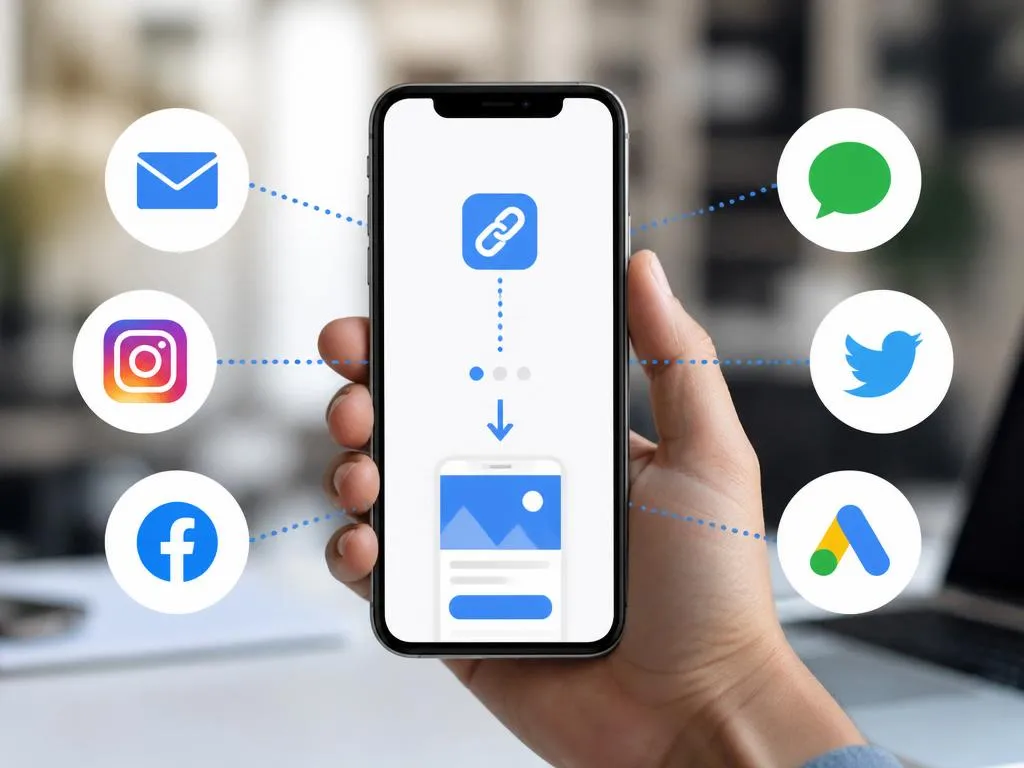
Where you position your routing URLs significantly impacts how frequently users will interact with your mobile campaigns. Placing links inside prominent buttons and high-contrast call-to-action blocks naturally attracts attention and encourages immediate interaction. Avoid burying important links inside long blocks of text where users might easily overlook them.
Additionally, format your links cleanly when sharing them directly on social media platforms or communication applications. Cluttered URLs containing long strings of random tracking parameters often appear suspicious and can discourage users from clicking. Using custom domain configurations helps build brand credibility and increases user willingness to engage with your links.
Establishing frictionless mobile pathways involves analyzing where your users spend most of their digital time and targeting those spaces. Email newsletters, SMS campaigns, and physical QR codes represent ideal touchpoints for deploying your custom redirection links. Tailoring your communication style to each channel ensures maximum engagement across all prospective user groups.
| Link Type | Primary Device Behavior | Fallback Scenario |
|---|---|---|
| Standard Deep Link | Opens app if installed | Displays error page |
| Deferred Deep Link | Opens app post-install | Routes to App Store |
| Universal Link | Launches native iOS app | Opens standard mobile web |
Enhancing the onboarding experience via deep links
The first moments a user spends inside your application determine whether they will continue using your services long-term. By deploying deferred deep linking strategies, you can customize the onboarding flow based on the specific campaign that attracted the user. This highly tailored introduction makes new users feel welcome and immediately demonstrates the value of your application.
For example, if a user downloads your app after clicking an advertisement for a discount, show that promotion immediately. Automating this verification process removes the need for manual promo code entries, creating a delightful first interaction. Simplifying these introductory phases leads to higher retention rates and fosters stronger customer loyalty over time.
Additionally, clean user onboarding helps reduce customer support inquiries related to account setup and discount applications. When the application handles complex routing and code application automatically, users experience zero confusion during their initial interaction. Strategic routing turns standard marketing campaigns into powerful tools for building long-term user satisfaction and trust.
How to reactivate inactive app users effectively
Re-engaging inactive users is often far more cost-effective than attempting to acquire entirely new customers in crowded marketplaces. By sending targeted push notifications containing deep links, you can invite users back to check out specific app updates. Directing them to personalized screens increases the likelihood that they will interact with your application again.
Furthermore, you can use specialized links within win-back email campaigns to offer customized rewards to historical users. When these links bypass standard logins to display direct discount options, the path to re-conversion becomes incredibly simple. Reducing behavioral steps is the most effective way to breathe new life into dormant user accounts.
Consistently monitoring user interaction trends allows you to design automated re-engagement flows that trigger based on specific inactivity periods. For instance, if a user remains inactive for two weeks, sending a customized link can remind them of unfinished tasks. Automated re-engagement campaigns keep your application relevant in the minds of busy consumers.
« By bypassing the friction of mobile web logins, deep links connect consumers directly with the experiences they want, creating a measurable impact on app engagement and long-term retention. »
Advanced testing methods for routing configurations
Maintaining dynamic routing systems requires continuous verification to ensure updates to mobile software do not disrupt user journeys. Establish automated testing protocols that simulate various user actions, device configurations, and operating system updates regularly. These testing routines help developers identify potential conflicts before they affect active digital marketing campaigns.
Additionally, conducting simple A/B tests on different link configurations can reveal subtle user preferences and behavioral habits. Test different call-to-action designs, destination screens, and transition landing pages to find the most effective combinations. Systematic testing removes guesswork from your marketing strategy and helps maximize your overall digital investments.
Finally, analyze your app engagement metrics alongside technical crash logs to verify that deep links do not trigger performance errors. Sometimes, custom parameters can cause older application builds to close unexpectedly when processed incorrectly. Ensuring technical stability alongside marketing campaigns creates a reliable, high-performing mobile environment for all users.
Designing for the future of mobile commerce
The mobile landscape continues to evolve rapidly, with shopping and communication becoming increasingly integrated into native application ecosystems. Businesses that prioritize seamless mobile routing today will be better positioned to capitalize on emerging digital commerce trends. Investing in solid link management strategies ensures your business remains competitive in a shifting technological environment.
By utilizing accessible redirection tools, brands can build unified user journeys that bridge physical offline interactions with digital experiences. QR codes, smart packaging, and interactive retail displays can all trigger native application features instantly via smart links. Creating these physical-to-digital bridges opens exciting new opportunities for creative marketing and customer engagement.
Ultimately, the success of any digital product depends on how easily users can access its core features and services. Eliminating unnecessary steps and web logins through intelligent link routing respects your audience time and attention. Focus on building clean, accessible pathways today to secure your place in the mobile-first future.
