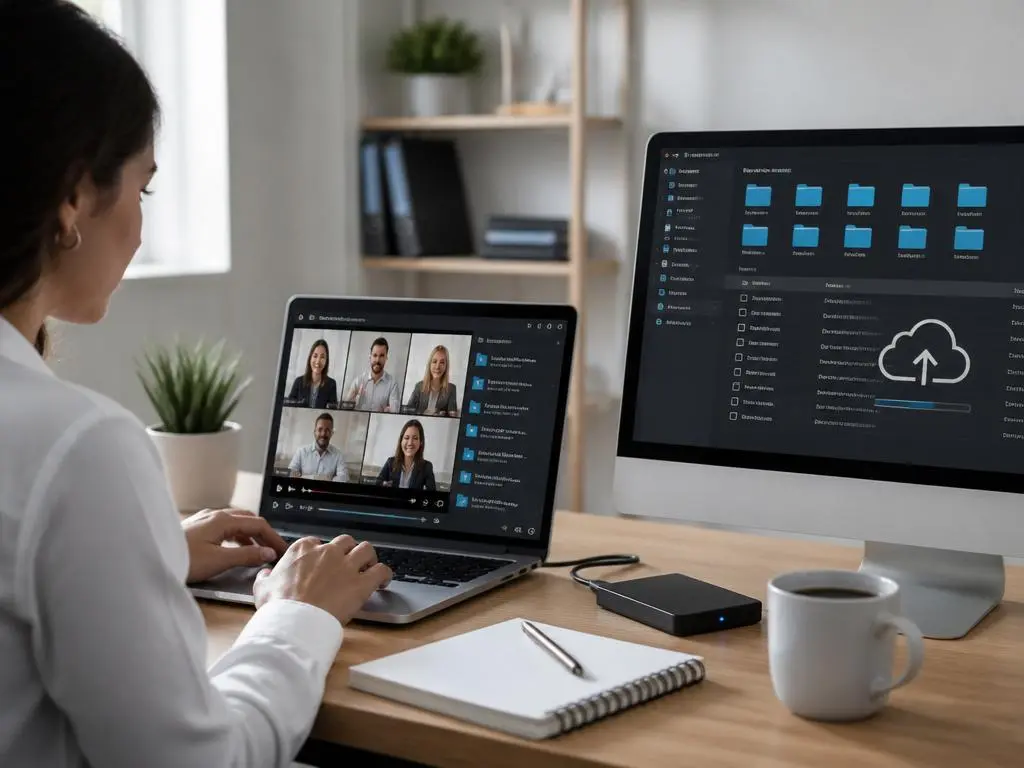
Learning how to effectively maintain your video library starts with understanding how to securely manage and download Zoom recording files across your various devices. Whether you are hosting webinars or conducting private team syncs, having a reliable system for archiving is essential for long-term productivity. Many professionals struggle with storage limits and file accessibility, leading to lost data or disorganized cloud environments. By implementing a standardized workflow, you can ensure that every critical conversation remains indexed, searchable, and easily retrievable whenever your project requirements evolve or when you need to review specific meeting details later.
Modern communication demands that we treat our digital assets with the same care as physical documents. Properly handling your media ensures that sensitive discussions are protected while remaining available for authorized team members. As companies scale their remote operations, the need for robust archival processes becomes even more pronounced. In the following sections, we will explore the best practices for local downloads, cloud storage strategies, and the importance of metadata management. Mastering these simple yet effective techniques will transform your digital workspace into a high-performance hub, keeping your records perfectly aligned with modern professional standards.
💡 Quick Workflow Strategy
Always move your files from the cloud to a secure local server immediately after a meeting concludes. This reduces dependency on platform-specific storage limitations and gives you full control over your backups, ensuring that optimizing your infrastructure remains a priority for your business data management and long-term organizational success.
Establishing a robust archival process
Creating a consistent file naming convention is the foundation of any successful media library. Rather than keeping default file names, rename your recordings using dates, project codes, and participant names. This small step saves hours of searching later, especially as your library expands into hundreds of hours of video content over several years.
Once you download your files, it is vital to keep them in a centralized repository rather than scattering them across local folders. Cloud synchronization tools can help automate this process, ensuring that your team stays updated. Regular audits of your storage space help maintain performance while keeping your digital environment clean and organized.
Consider the file format of your exports as well. While default formats are generally compatible, converting them to highly compressed containers can save significant disk space without losing quality. This practice is particularly useful when sharing large files with clients or stakeholders who may have bandwidth constraints or limited storage on their devices.
⚠️ Security Best Practices
- Always verify access permissions before sharing links to your recorded content.
- Encrypt local archives to prevent unauthorized access if your hard drive is compromised.
- Audit shared folders quarterly to remove access for users who no longer require the information.
- Enable multi-factor authentication on all storage platforms housing your sensitive video assets.
Enhancing productivity with recorded assets
Video content is more than just a historical record; it is a repository of knowledge that can fuel future projects. By using infrastructure tools effectively, you can transcribe meetings automatically, turning hours of footage into actionable notes. This approach significantly reduces the time spent on manual documentation after every session.
Integration with AI-powered search tools can further revolutionize your workflow. When your recordings are transcribed and tagged correctly, finding a specific moment in a two-hour meeting becomes instantaneous. This level of accessibility ensures that team members can find the exact information they need without needing to re-watch entire video segments.
Consistency is key when building a culture of documentation. Encouraging team members to use the same naming structure and folder hierarchy ensures that the library remains intuitive for everyone. When everyone follows the same protocol, the efficiency of the entire team increases, fostering a more collaborative and transparent environment for all ongoing operations.
✅ Pro Tip: Automated Sorting
Use scripts or automation software to detect new files in your download folder. These tools can automatically rename the files based on specific meeting IDs and move them into categorized sub-folders, ensuring that securely manage and download tasks are handled without any manual intervention required from your busy staff.
Choosing the right storage solution
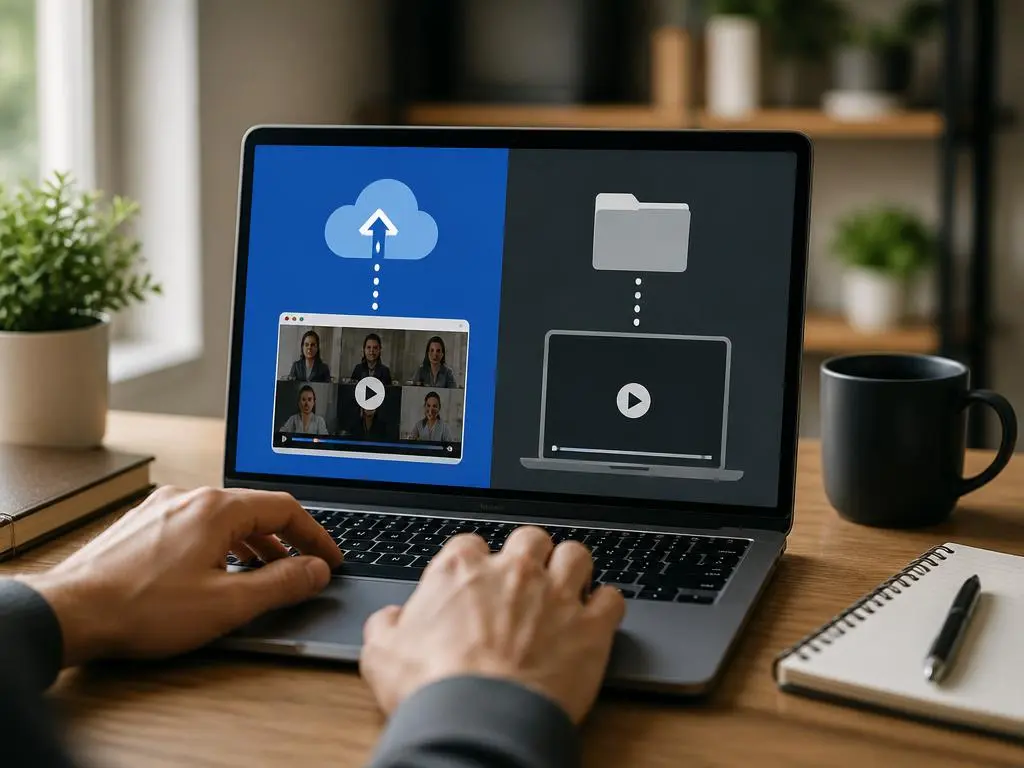
Not all storage platforms are created equal, and your choice depends heavily on your team’s specific requirements. For smaller teams, cloud-based document management systems offer the best balance of ease and security. They provide built-in version control and access management, which are vital when collaborating on sensitive projects or dealing with confidential information.
Larger organizations might benefit from dedicated media servers or enterprise-grade cloud storage solutions. These provide advanced features like deep-link searching and granular user permissions. Regardless of the solution chosen, ensure that the platform supports redundant backups to protect your data from hardware failures or accidental deletions within the primary storage environment.
Remember that redundancy is your best friend when managing critical information. Never rely on a single source of truth. By keeping a copy in the cloud and a secondary backup on a local drive or a different cloud provider, you ensure that your team’s hard work is protected against any unexpected service disruptions.
🚀 Scaling Your Workflow
As you scale, building collaborative frameworks is vital for maintaining productivity. Establishing clear ownership over file management tasks prevents bottlenecks and ensures that your video archives stay clean, updated, and accessible to the relevant project stakeholders at all times, keeping the entire organization synchronized as you grow and adapt to new challenges.
Common pitfalls in media retention
Many users fail to realize the importance of setting expiration dates on their recordings. Storing thousands of hours of unnecessary video can lead to cluttered drives and increased costs for cloud storage subscriptions. Implementing a lifecycle policy that automatically deletes or archives old content can keep your digital environment lean and efficient.
Another frequent mistake is ignoring the metadata associated with your files. Adding keywords or descriptive tags during the upload process makes your library significantly more discoverable. Think of metadata as the backbone of your searchability; without it, you are simply dumping files into a digital void rather than creating a useful database.
Lastly, ensure that your team is trained on the storage protocols you implement. A system is only as strong as its weakest link, and providing brief documentation or training sessions can go a long way. This ensures that everyone understands the importance of professional digital archiving and follows the established guidelines consistently.
Summary Checklist
- Standardize naming: Use a clear date and project format.
- Automate backups: Sync to secondary storage providers.
- Add metadata: Tag files with topics and participants.
- Audit storage: Periodically prune old, unnecessary media.
- Enforce permissions: Review folder access every quarter.
Investing time in mastering your recording management saves significant effort in the long run. By treating these assets as high-value data, you protect your company’s intellectual property and streamline your internal communications. Focus on building a system that is both scalable and simple, ensuring that your team can always find the answers they need hidden within your video archives. With these habits in place, you are ready to handle any amount of information while keeping your digital workspace organized and secure for the future. Start your transition to a better archival process today for improved efficiency.
