
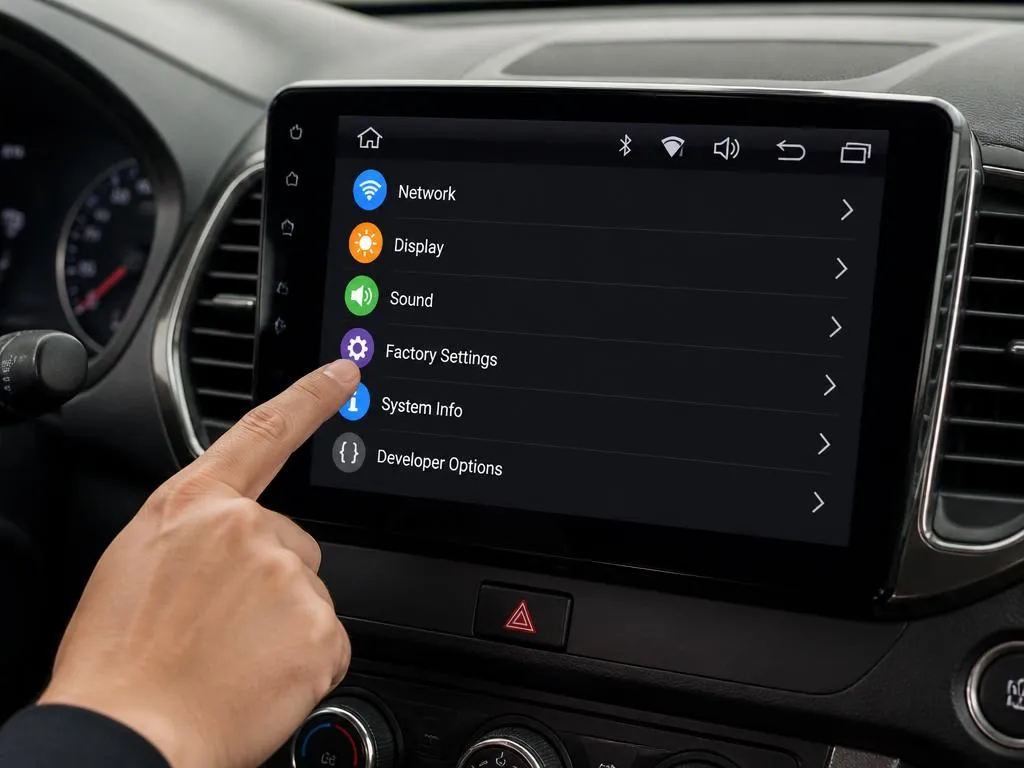
Modern car infotainment systems offer incredible flexibility, but custom setups sometimes require accessing restricted developer menus. Many drivers search for a hidden android radio password to adjust audio outputs, steering wheel controls, or logo displays. Knowing how to handle these advanced configurations prevents accidental software lockouts.
Modifying deep system files carries risks that could disable your navigation or bluetooth functions completely. This practical guide walks you through navigating the settings panel securely while protecting your unit from software failures. Let us explore the safest ways to manage your car stereo system without causing permanent errors.
🔑 Essential System Rules
- Always backup your current configuration profile before making system modifications.
- Avoid changing unfamiliar voltage parameters or CAN bus configurations.
- Ensure a stable power supply is connected during any deep system updates.
Why manufacturers secure the android radio password panel
Car manufacturers implement restricted access areas to safeguard essential system parameters from accidental modification. When users change core values without technical knowledge, they risk corrupting the communication protocols between the dashboard and the engine. Security codes protect critical driver configurations from unwanted changes.
These protected screens contain parameters that control radio frequencies, touch panel calibration, and amplifier output levels. Standard drivers rarely need to touch these values, which is why they remain behind security barriers. Accessing them should always be treated with caution to avoid system failures.
How to identify your specific device model online
Before searching for system codes, you must identify the hardware manufacturer of your dashboard unit. Open the system information tab in your settings menu to view the kernel version, build number, and processor type. Having this detailed information will help you find the correct instructions online.
Most head units use standard chips manufactured by specific brands like Rockchip, Allwinner, or Intel. Each hardware developer uses distinctive default combinations to lock down their technical adjustments interface. Identifying your board helps you pinpoint the right codes without testing dangerous random inputs.
Common entry steps to manage android radio password prompts
Entering the developer panel involves opening your standard dashboard interface and choosing the advanced options tab. When the secure screen asks for authentication, users must enter a specific numeric sequence to continue. Understanding the logic behind these system access methods prevents unnecessary screen lockouts and keeps your media interface functional.
Many systems require simple combinations such as triple zeros, sequential numbering, or manufacture dates. If the screen remains locked, avoid entering random guesses repeatedly as this can lock the system partition. Instead, seek verified technical documentation specific to your hardware processor to complete your dashboard system configuration.
⚠️ Warning: Avoid Infinite Lockout Loops
Entering incorrect digits more than five times can trigger an automated boot freeze on specific car receiver models. If you do not know the exact numerical code, do not guess blindly.
Resolving interface blockages on custom car receivers
If your interface rejects standard numerical codes, a software mismatch might be preventing direct system modifications. Some custom firmwares disable access blocks to protect the vehicle computer from data signal interference. Solving this issue requires updating the base software build of your vehicle unit.
You can connect an external keyboard via USB to enter command functions that bypass touchscreen limitations. This technical trick helps restore control when touchscreen sensors are uncalibrated or failing completely. It allows you to navigate administrative menus when touch coordinates do not match the displayed buttons.
💡 Standard Industry Universal Codes
The list below features the most frequent default combinations used by major aftermarket system brands:
- MTK Platforms: 8888, 3368, or 1617
- Allwinner Hardware: 123456, 7890, or 8888
- Rockchip Units: 126, 3506, or 1617
- Intel Sofia Processors: 888888 or 5678
How to apply custom values without any system damage
Modifying the core setup of your dashboard receiver requires a step-by-step approach to guarantee safety. Never change multiple configurations simultaneously, as this makes troubleshooting difficult if things go wrong. Write down the default numbers before making any modifications to the internal registry profile.
Initiating a complete factory reset process should remain your last resort when things stop working. While clean wipe commands restore your software to its original factory state, they also erase saved maps. Knowing how to solve digital interfaces is as fun as decoding the ev maker crossword clue on lazy Sunday mornings.
Understanding your car stereo digital communications
The controller area network bus translates physical car actions into digital signals for your screen unit. Accessing advanced developer options allows you to configure how your receiver interprets steering wheel commands or camera signals. Incorrect CAN bus selections can disable your reversing sensors and dashboard climate control readouts.
When setting up your decoders, matching the exact brand of your car model is essential. Just as finding an essential SEO strategies layout helps businesses grow, matching the correct communication protocol ensures your entertainment device receives accurate data streams from the primary engine computer unit.
| Configuration Type | Safe Modifications | Risky Modifications |
|---|---|---|
| System Audio | Equalizer tweaks and balance modifications. | Pre-amplifier voltage gain changes. |
| Hardware Interface | Changing custom startup vehicle logos. | Touch panel coordinate calibration. |
| Data Sync | Pairing bluetooth media devices. | CAN bus engine communication profile. |
How to recover your android head unit after errors
If your media screen becomes unresponsive after tweaking properties, you will need to trigger a hardware reset. Locate the tiny pinhole on the front bezel of your radio console labeled reset. Inserting a paperclip for several seconds restarts the electronic system without deleting your storage partition.
When standard reboots fail, you must boot into the system recovery screen to repair your files. Recovering your dashboard setup is as critical as learning how to scale a customer service company online. Both processes require structured diagnostic steps to rebuild functional operational channels successfully.
💡 Pro Tip: Take Screenshots Before Saving
Use your phone camera to take clear pictures of every setup menu screen before making adjustments. Having visual evidence of the original configurations guarantees you can restore correct parameters manually if needed.
Understanding the difference between updates and tweaks
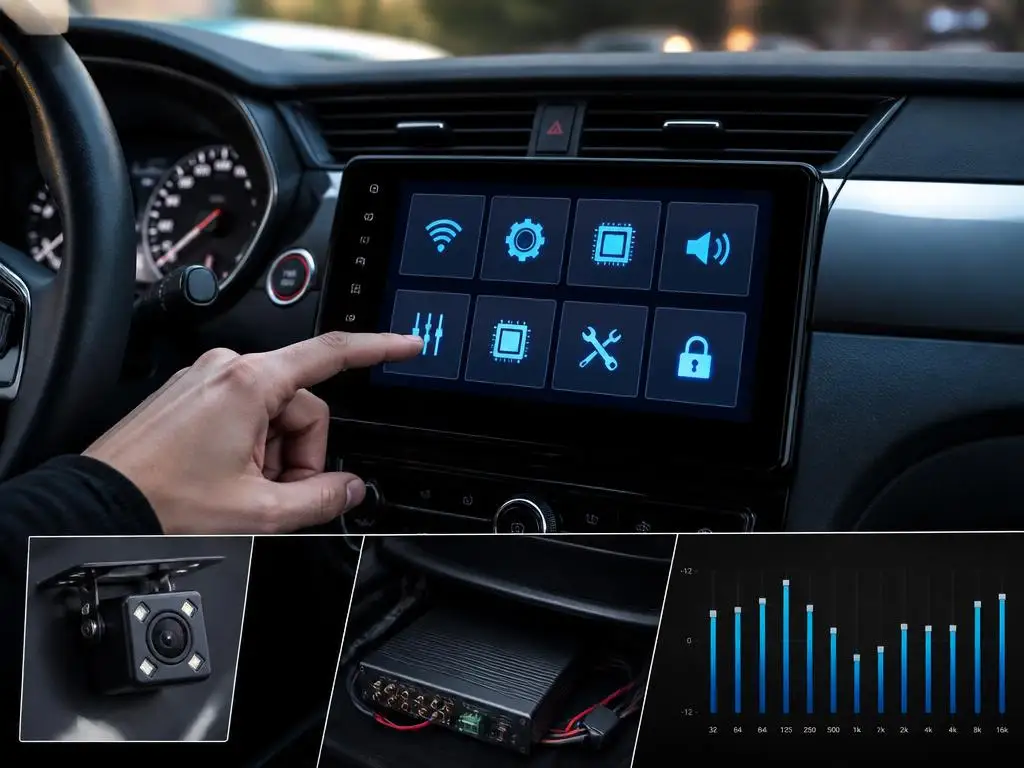
Drivers often confuse modifying settings panels with updating their operating system components. While changing system values alters current hardware behavior, updating the core car stereo firmware provides completely new capabilities. Firmware updates install critical operating improvements that resolve existing bugs, optimize display processing, and fix persistent sound bugs.
Accessing updates usually requires downloading dedicated system files from official technical support websites onto a formatted storage drive. Just like planning an effective digital presence using strategies from a cpg seo marketing blueprint, organizing your files properly ensures error-free installation execution. Keep your files clean and structured.
Safe steps to maintain stable dashboard operations
Maintaining your receiver involves periodic memory optimization to prevent application freeze issues during long road trips. Regularly clearing your media application caches helps maintain responsive touchscreen speeds and prevents system software bottlenecks. This quick maintenance step keeps your music navigation software running smoothly without hardware delays.
Ensure that your physical ventilation slots behind the dashboard console remain clear of dust and debris accumulation. Excess internal heat can cause software bugs, sudden resets, and touch panel configuration loss over time. Clean hardware environments promote consistent system performance and extend the life of your car entertainment equipment.
Common concerns about media interface settings panels
Many car owners worry that changing developer configurations might invalidate their original dealer warranty status. While adjusting display properties is harmless, altering internal engine link protocols can raise concerns during dealership maintenance checks. Keep your settings clean to prevent misunderstandings with your vehicle dealer service department.
Other users wonder how to recover missing software features after executing standard factory system wipes. Reinstalling missing default navigation tools requires downloading official installer packages from your hardware manufacturer service portal. Always keep backup setup directories on an external hard drive to secure your dashboard setup.
How to calibrate touch inputs on your custom receiver
If you notice that your touch inputs do not align with physical screen keys, calibration will fix the alignment issue. Navigate to your basic parameters page and look for the screen coordinate calibration menu item. This feature allows you to redefine screen boundary points by touching specific target points.
If you cannot access this screen because of broken coordinate configurations, use a hardware shortcut. Plugging a standard office computer mouse into your console USB port gives you a cursor control pointer. You can then click the calibration utility directly and resolve alignment offsets without touchscreen inputs.
How to tune your internal car audio outputs safely
Car stereos feature integrated pre-amplifiers that regulate how clean signals flow to your physical vehicle speakers. Incorrect output tuning can clip sound waves, causing permanent hardware distortion at higher volume thresholds. Carefully adjust gain levels on control dashboards to maintain clean music output during vehicle trips.
Professional tuners recommend starting with zero system boost values and raising levels gradually during active testing. This secure adjustment workflow ensures your speaker system avoids sudden current spikes that might damage fragile coils. Protect your physical audio hardware by using minor increments when modifying master sound properties.
Optimizing screen brightness for safe night driving
Dashboard screen glare can impair driver visibility when operating vehicles during night hours. Modern consoles feature smart illumination inputs that automatically dim the display when headlights are activated. Properly setting up these parameters reduces eye strain and helps drivers focus clearly on dark roads.
You can connect physical headlight cables directly to the media unit harness to trigger automated brightness settings. If your harness does not feature this configuration line, customize night mode triggers via integrated GPS clocks. This convenient setup adjusts display illumination levels based on localized sunrise and sunset time schedules.
How to minimize internet data consumption on the go
Infotainment consoles linked to mobile hotspots can exhaust limited data plans with automatic application updates. Access the network settings panel to disable high-volume background synchronizations while driving on highways. This technical choice preserves cellular bandwidth and ensures navigation applications receive faster internet connections.
Alternatively, save offline maps locally to navigate unknown roads without active mobile data downloads. Most popular digital map applications allow you to store regional directories directly onto internal memory card drives. This simple technique keeps routes accessible during remote travel without relying on external cell signals.
Troubleshooting wireless media pairing and audio drops
Wireless connection issues often occur when receiver system memory cache slots become clogged with legacy records. Access bluetooth connection settings to delete inactive device profiles and clear system cache partitions thoroughly. Restarting connection pipelines ensures your modern smartphone syncs media data packets smoothly and without sound interruptions.
If connections continue failing, verify if your phone operates on matching wireless signal frequencies. Changing minor configuration values inside developer menus can fix profile compatibility conflicts between systems. Ensure your communication settings match the recommended specifications outlined in your product user guide documentation.
Assigning custom functions to driver steering controls
Configuring steering wheel control buttons makes executing media commands safer while driving on expressways. The key programming screen allows you to assign specific commands to physical steering wheel button actions. This feature uses analog voltage levels to identify which physical steering wheel switch is activated.
Press your physical steering key and select the corresponding screen action to register the communication match. Repeat this step-by-step programming task for all volume, track selection, and phone call keys on your wheel. Save these configuration changes before exiting to ensure assignments persist after your system reboots.
How to customize your dashboard layout visually safe
Standard desktop launcher configurations can sometimes look boring or lack useful custom shortcut widgets. Installing customizable application launcher configurations allows drivers to modify their central desktop design to fit their tastes. These lightweight applications replace default structures without altering critical vehicle diagnostic communication pathways.
Pick minimal layouts that highlight critical navigation pathways, current clock times, and primary music players clearly. Avoid cluttering your homepage with excessive widgets that demand visual attention while driving on public highways. Clean interfaces improve overall device response times while prioritizing driver safe operation habits.
Keeping your media dashboard system healthy long term
Protecting your car infotainment hardware requires a balanced approach to both physical maintenance and software settings. Avoid running demanding gaming platforms or heavy multimedia editors that saturate processing units beyond operating limits. Lightweight applications ensure your system operates coolly while delivering consistent navigation speed performance.
Clean your system storage space regularly and keep default configurations intact unless modifications are necessary. By treating advanced options with caution and planning operations, you protect your media system from performance failures. Enjoy a modern, customized car interior experience built on safe, organized technology configurations.
