
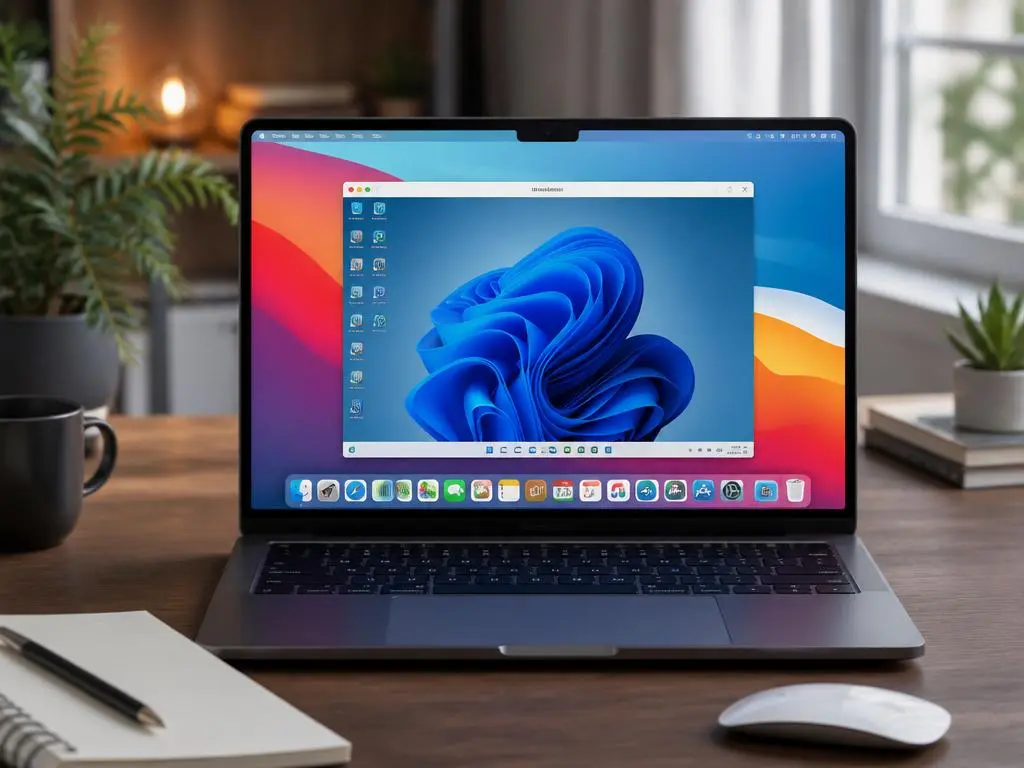
For many professionals transitioning to Apple hardware, finding reliable ways to run windows apps in mac environments often becomes a top priority. While macOS is incredibly efficient for design and development, certain legacy software or industry-specific tools remain exclusive to the Microsoft ecosystem. Understanding the various pathways available allows users to maintain their productivity without sacrificing their preferred operating system. Whether you are a business user or a creative individual, exploring these compatibility options ensures that your workflow remains seamless across different platforms, regardless of the underlying hardware limitations you might encounter daily.
Choosing the right approach depends heavily on your specific technical requirements and system resources. Some users prefer lightweight solutions that integrate directly into their desktop, while others require a full-fledged virtual machine to ensure complete stability for demanding enterprise applications. By assessing the unique benefits of each technology, you can determine which configuration aligns best with your needs. This guide provides a comprehensive overview of how to achieve software interoperability, helping you bridge the gap between platforms through modern virtualization and emulation technologies designed for high-performance computing tasks on your Mac device.
Quick Technical Insights
- Virtualization software creates a sandbox for full OS stability.
- Compatibility layers offer speed by bypassing full system emulation.
- Cloud-based desktop solutions eliminate hardware bottlenecks entirely.
- Understanding your RAM and CPU limits is essential for performance.
Virtualization remains the industry standard for those who need a robust environment to run windows apps in mac environments reliably. By installing a virtual machine, you essentially create a computer within your computer, allowing you to allocate specific system resources like processor cores and memory. This method provides the most stable performance for complex business tools that require a fully functional registry and background services to operate as intended. Professionals often utilize these environments when they need to ensure their software behaves identically to a native machine, ensuring total compatibility for sensitive tasks and legacy systems.
When selecting virtualization software, consider how each program interacts with the Apple Silicon architecture versus legacy Intel processors. Newer chips require optimized software to maintain high frame rates and quick response times. If you are handling large files or complex data sets, you might find that managing your datasets requires a virtual machine that offers high-speed integration between your host and guest operating systems. Properly configured virtual machines act as a secondary workspace where you can safely test tools without affecting the stability of your primary macOS installation or core file structures.
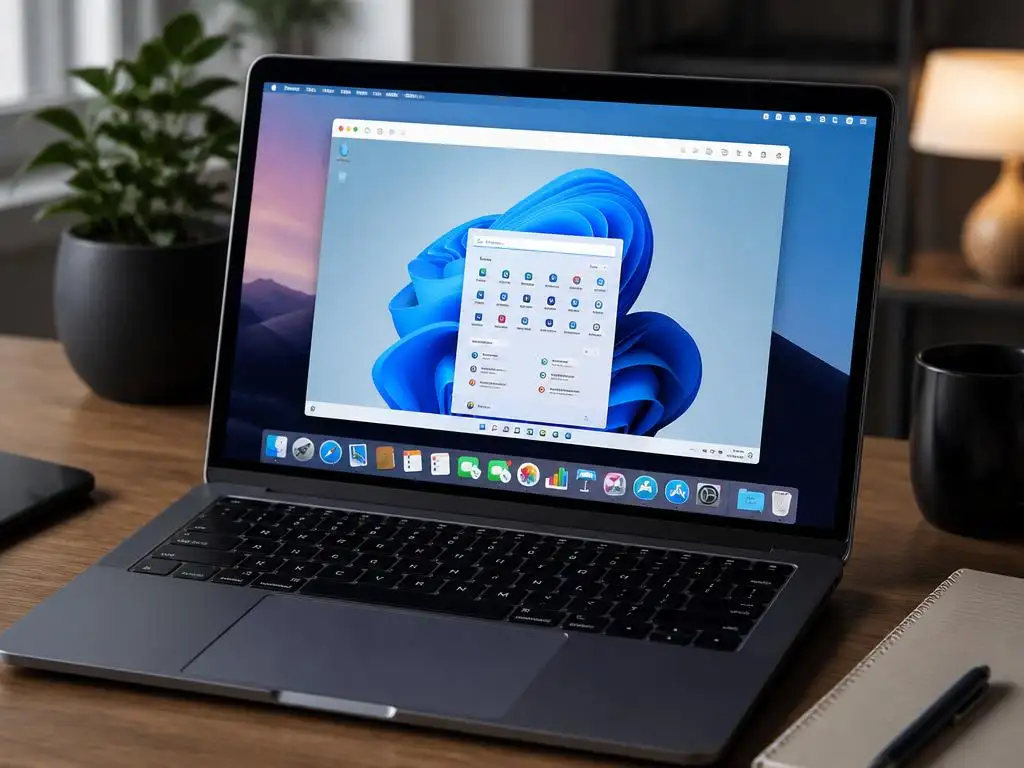
Compatibility layers offer a faster, more streamlined alternative for those who only need specific utilities rather than an entire OS. Instead of booting a virtual machine, these tools translate system calls on the fly, allowing apps to execute directly on the macOS kernel. This results in significantly lower overhead and faster startup times, which is ideal if you are looking to run specific lightweight productivity software. Using a compatibility layer feels much more integrated into your existing workflow, as windows icons can often appear directly within your dock, making the transition between operating systems almost invisible to the end user.
Pro Tip: When testing performance, remember to check your hardware health. If you are managing specialized businesses, you might look into seo for service shops to ensure your digital presence is optimized, even while working within virtualized environments that might impact local browser caching and tracking capabilities during your daily work sessions.
Cloud-based solutions represent the modern frontier for cross-platform compatibility. By hosting your desktop in the cloud, you can access your environment from any Mac, iPad, or mobile device. This approach is particularly beneficial for teams that need to ensure their staff is using the exact same software version regardless of the hardware they possess. By streaming the interface, you bypass the need for intensive local processing, making this a perfect choice for those who do not have the RAM or storage to dedicate to a heavy virtual machine configuration on their local disk.
When migrating your workflows, you should also pay close attention to your system environment settings. Just as you might study license management protocols for older software, keeping track of your virtualized environment’s security and updates is vital. Ensure that your virtual disks are backed up regularly to prevent data loss, especially when dealing with proprietary databases. Maintaining a clean host system is paramount to the success of your virtualization strategy, as it ensures that the resources allocated to your emulated environment remain consistent, stable, and completely secure throughout your entire work day.
Performance Optimization Checklist
If you experience lag or system stuttering while running your virtualized applications, follow these simple diagnostic steps to improve your overall experience:
- Assign at least half of your available RAM to the virtual machine.
- Close unnecessary background apps on the host macOS.
- Update your virtualization software to the latest stable version.
- Ensure hardware acceleration is enabled in your guest OS settings.
Optimizing your Mac for these tasks involves more than just selecting software; it requires a disciplined approach to file management. If you find your system slowing down, you might need to investigate registry performance techniques that apply to your guest OS to maintain high speed. While these tweaks are common in native Windows machines, they can also be applied within a virtualized container to strip away unnecessary services and background processes that consume valuable memory, effectively giving your virtual machine a significant speed boost without requiring additional physical hardware upgrades.
Ultimately, the ability to run windows apps in mac environments provides a bridge for users who refuse to compromise on their choice of computer. Whether you rely on enterprise suites, creative software, or specific analytical tools, these methods ensure you remain competitive and productive. By choosing between the robustness of virtualization, the speed of compatibility layers, or the convenience of cloud desktops, you gain total control over your digital ecosystem. With the right setup, you can enjoy the sleek design of Apple hardware while maintaining the full versatility of software traditionally reserved for the Windows operating system.
Summary of Solutions: Selecting the correct path is a matter of evaluating whether you need isolated environments for security, or if you prefer a seamless integration that allows for rapid file sharing between your Mac’s file system and the Windows-based applications. Both routes are viable depending on the complexity of your software stack and your specific daily requirements for system throughput and long-term stability.
For most users, the balance between convenience and power is the deciding factor. Take the time to try trial versions of different software before committing to a permanent solution. By testing how specific programs interact with your file system and peripheral devices, you will gain the confidence to integrate these tools into your daily workflow. Remember that as technology evolves, so do the capabilities of these bridges between platforms, making it easier than ever to enjoy a unified computing experience that caters perfectly to your professional and personal needs, regardless of the operating system original intended by the developers.
As you move forward, keep your system updated and monitor your storage capacity, as virtual disks can grow quite large over time. This proactive maintenance ensures that your machine remains fast and responsive. By leveraging these solutions, you effectively expand the horizons of your Mac, transforming it into a versatile powerhouse capable of handling any task, from simple administrative duties to intensive professional projects. Embrace the flexibility of a hybrid workflow and unlock the true potential of your hardware, ensuring that your software choices are driven by your needs rather than by the limitations of your operating system.
