
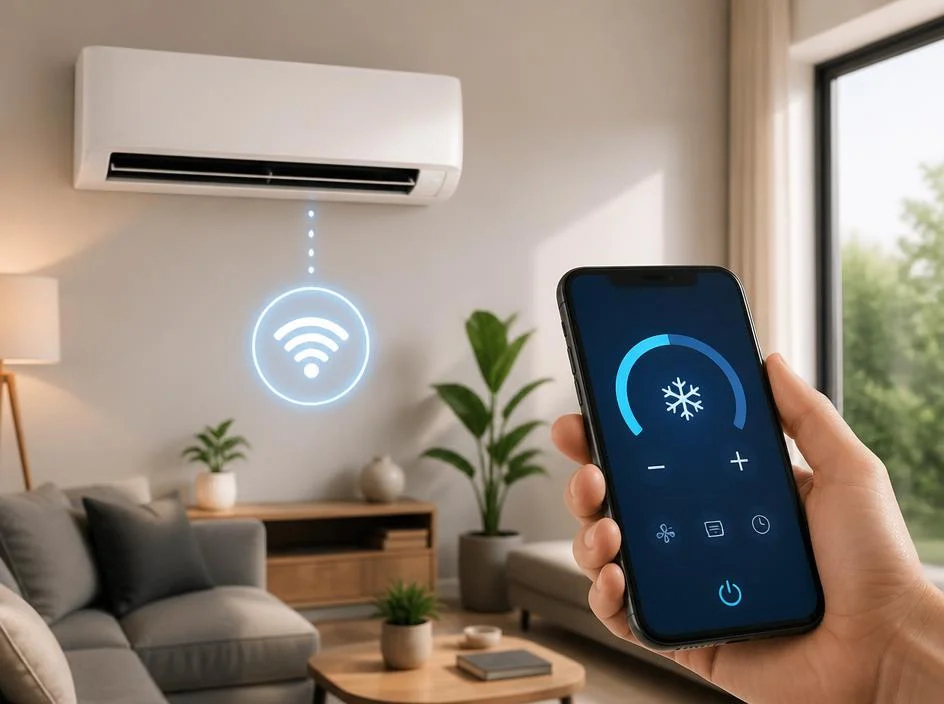
Modern households are increasingly turning to smart technology to manage their indoor climate effectively. Learning how to connect aircon to wifi is a foundational step for anyone wanting to control their home temperature remotely via a smartphone or tablet. By linking your cooling appliance to your local network, you gain the ability to adjust settings, monitor energy consumption, and set personalized schedules from anywhere. This integration transforms a standard unit into a responsive device, significantly improving your overall daily comfort while helping you maintain optimal efficiency without constant manual adjustments to the remote control.
Before you begin the synchronization process, ensure your home router is broadcasting a stable signal near the indoor unit. Most manufacturers require you to download a specific mobile application designed for your model to facilitate the handshake between hardware and software. Once the application is ready, the setup process generally involves activating the pairing mode on the appliance. This smart climate control feature allows your phone to communicate directly with the hardware through your home network. Follow these basic steps carefully to establish a reliable connection and enjoy the convenience of modern air conditioning.
💡 Essential Preparation Tips
- Verify that your router supports the 2.4GHz frequency band for better compatibility.
- Ensure your smartphone is connected to the same wireless network during the setup.
- Keep your Wi-Fi password handy to avoid interruptions during the configuration phase.
- Download the official application provided by the manufacturer for the best experience.
Common Steps for Network Integration
The primary phase of integrating your air conditioning system starts with verifying your hardware compatibility. Not every unit is built with built-in networking capabilities, meaning some users might require a separate smart controller or a plug-in adapter to bridge the gap. Checking the manual or the manufacturer website remains the most accurate way to confirm whether your specific model supports wireless connectivity out of the box or if additional components are necessary for the job.
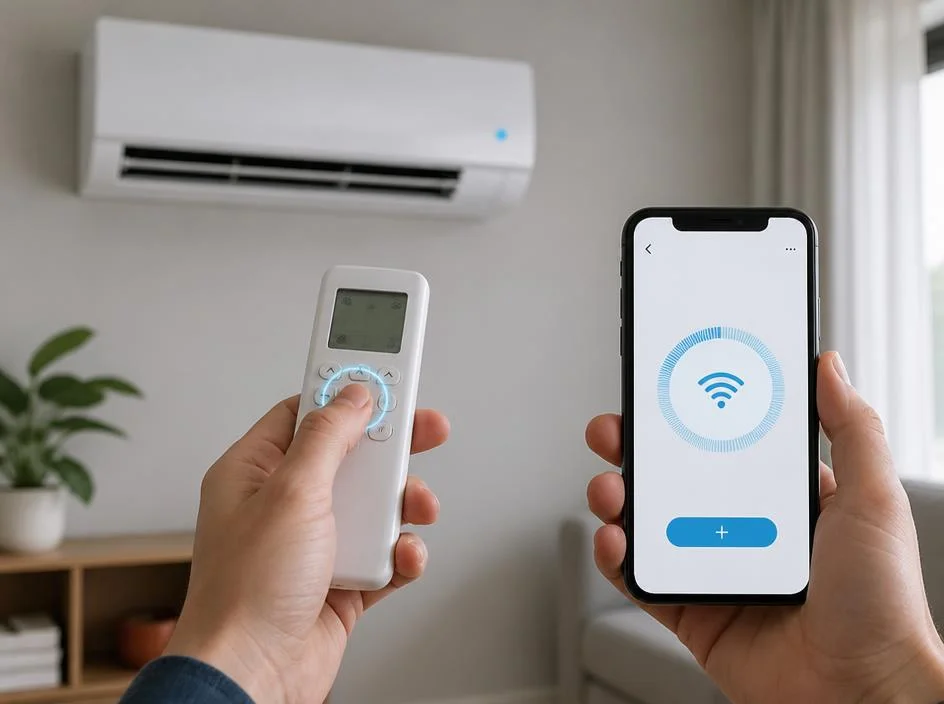
Once you confirm your system is ready, you must initiate the pairing mode. This action usually involves pressing a specific button combination on your handheld remote or a physical button on the internal wall unit. You might notice a blinking indicator light, which confirms the device is searching for your network. During this period, open your application and select the option to add a new device to your account dashboard.
As the application scans for available hardware, it should detect the identifier of your unit. Selecting it will prompt you to enter your network credentials to finalize the authentication. This bridge between your router and the cooling unit is vital, and you can learn more about managing complex data during the configuration process. Ensure the signal strength is sufficient, as weak connectivity will frequently drop the link and lead to frustrating errors when you attempt to send remote commands.
⚠️ Troubleshooting Connection Failures
If you encounter difficulties, reset your router and the cooling unit to clear temporary cache files. Sometimes, outdated firmware prevents stable communication, so checking for updates is a technological requirement. Also, consider that some digital platforms, much like various game functions, require specific permissions to access network ports. Granting these permissions within your phone settings can solve many common handshake failures between the app and the hardware.
Optimizing Your Smart Cooling Experience
Once you have successfully mastered how to connect aircon to wifi, you can explore the advanced features of your system. Most manufacturers provide energy usage reports that help you identify periods of high consumption. By analyzing this data, you can optimize your cooling schedule to reduce costs. Think of it like managing difficult journeys; you need a roadmap to reach your destination efficiently without wasting resources or time on unnecessary cycles during the night hours.
Voice control integration is another significant advantage. Linking your system to services like Alexa or Google Home allows for hands-free temperature adjustments. This level of automation is perfect for when you are cooking or resting and do not wish to reach for a remote. It is a seamless evolution of your home ecosystem, turning manual tasks into automated background processes that keep your living space perfectly comfortable all year round.
✅ Advanced Automation Benefits
- Set geo-fencing to turn your AC on when you are nearing home.
- Create routines based on the time of day to save electricity.
- Receive push notifications if the unit detects a potential maintenance error.
- Integrate with window sensors to pause cooling when windows are open.
Security Considerations for Connected Devices
Maintaining security is crucial when adding internet-enabled devices to your network. Always change the default login credentials of your AC unit if the option is available. Keep the firmware updated regularly, as manufacturers release patches to fix vulnerabilities that could be exploited by unauthorized access. By prioritizing network safety, you ensure that your home environment remains private while you enjoy the incredible benefits of connected cooling technology.
If you ever find that your device is no longer reachable, perform a power cycle. This means unplugging the indoor unit for thirty seconds before restarting it. This simple action often forces the unit to renegotiate its IP address with your router, effectively fixing most common connectivity issues that occur over time. Remember that finding out if apps work on your specific phone model is key to a smooth experience, as software compatibility is the foundation of your entire smart home setup.
🌟 Summary of Key Takeaways
To successfully link your cooling system, prioritize a strong 2.4GHz connection and use the official manufacturer application. Regular firmware updates and choosing a secure network will protect your devices from unauthorized access. Finally, use automation features to track your energy footprint effectively. Mastering smart connectivity will save you both time and money while drastically increasing your daily comfort levels, making your home a true sanctuary of modern, responsive climate technology that adapts to your unique lifestyle requirements every single day.
