

Navigating the digital workspace requires a reliable connection outlook to ensure all communications remain fluid and professional. Whether you are using the web version or the desktop application, establishing a stable link to your mailbox is essential for productivity. Many users encounter hurdles when attempting to synchronize their data across multiple platforms or devices.
Understanding the technical nuances of these systems allows individuals and businesses to mitigate downtime effectively. By following a structured approach to authentication and server settings, you can resolve most issues without external help. This guide provides comprehensive steps to maintain a robust link between your device and the cloud servers.
Setting up your connection outlook on desktop
The initial configuration of your mail client is the most critical phase for ensuring long-term stability. Most modern versions of the software attempt to automate this process by detecting settings based on your email address. However, manual configuration is often necessary when dealing with specific enterprise servers or older hosting environments that lack autodiscover features.
When you begin the installation, the software prompts you for your primary credentials and the type of protocol you wish to use. For most users, choosing a modern protocol ensures that changes made on one device are instantly reflected on all others. This real-time update is vital for professionals who switch between laptops, tablets, and smartphones.
Errors during this stage usually stem from incorrect password entry or a lack of administrative permissions on the operating system. Ensuring that your software is updated to the latest version can prevent compatibility issues that might otherwise disrupt your workflow. Always verify that your internet connection is active before proceeding with any advanced setup steps.
Once the account is added, the system begins downloading headers and message bodies from the server. Depending on the size of your mailbox, this initial sync might take several minutes or even hours. It is advisable to let the process complete without interruption to avoid corrupting the local data files that store your messages.
💡 Essential Connection Protocols
- ✅ IMAP: Best for synchronizing folders across multiple devices simultaneously.
- ✅ POP3: Downloads emails to one device and often removes them from the server.
- ✅ Exchange: Offers superior integration for calendars, contacts, and task lists.
- ✅ SMTP: The standard protocol used exclusively for sending outgoing messages.
Troubleshooting common connection outlook errors
Frequent disconnections can often be traced back to synchronization issues within the local profile of the user. When the application struggles to reach the server, it may display a warning icon in the status bar indicating an offline state. This usually happens when the network configuration changes or when the server undergoes maintenance.
To fix this, users should first check if they can access their mail via a web browser. If the web portal works, the problem lies within the local application or the specific machine settings. Clearing the application cache or creating a new profile often resolves deep-seated configuration errors that prevent a stable link.
Another common culprit is the presence of third-party add-ins that interfere with the data transmission process. Running the application in safe mode allows you to determine if an external plugin is causing the instability. If the connection remains stable in safe mode, you should disable add-ins one by one to identify the source.
Firewall settings and antivirus software can also block the ports required for mail transmission. Ensuring that the application is allowed through your security software is a necessary step for uninterrupted service. Professionals often find that a digital agency drives success by helping them manage these complex technical environments seamlessly across their entire organization.
Managing advanced server settings for better performance
Fine-tuning your server settings can significantly improve the speed at which messages are sent and received. Adjusting the timeout duration allows the application more time to respond if you are on a slow or high-latency network. This prevents the software from giving up too quickly on a valid connection attempt during peak usage.
Security protocols like SSL and TLS must be correctly matched with the port numbers provided by your email service provider. Using incorrect encryption methods will result in a failed handshake, preventing any data from being exchanged. It is vital to verify these details in the account properties section to ensure everything is aligned properly.
For those working in large corporate environments, the use of a proxy server might be mandatory. In such cases, the application must be told exactly how to navigate the internal network to reach the external internet. Misconfigured proxy settings are a leading cause of connectivity failures in office buildings and remote VPN setups.
When exploring what is a digital agency and how does it drive business success, one often finds that technical email management is a core service offered. These experts ensure that every mailbox is optimized for the highest possible uptime and security standards, allowing business owners to focus on their primary operations.
| Feature | IMAP Protocol | POP3 Protocol |
|---|---|---|
| Multi-device Sync | Fully Supported | Not Supported |
| Server Storage | Uses Server Space | Saves Local Space |
| Offline Access | Limited | Excellent |
Security measures for your connection outlook
Protecting your communication channel involves more than just a strong password; it requires modern authentication protocols. Implementing multi-factor authentication adds an extra layer of defense against unauthorized access. This process requires a secondary code from a mobile app or a text message before granting access to your sensitive emails.
Modern email systems now use OAuth2 for a more secure login experience, which avoids sharing your actual password with the application directly. Instead, a digital token is used to maintain the link, which can be revoked at any time if the device is lost or stolen. This shift significantly reduces the risk of credential theft.
Regularly auditing the devices that have permission to access your account is a healthy security habit. If you notice an unfamiliar location or device in your activity log, you should immediately terminate all active sessions and change your credentials. Vigilance is the primary defense against sophisticated phishing attacks and social engineering attempts.
For employees receiving corporate updates, learning about fbt benefits today through their email portal helps in managing personal finances better. Secure email access ensures that these sensitive financial documents and payroll notifications remain private and protected from prying eyes within the digital landscape of the modern office.
Mobile connectivity and app synchronization
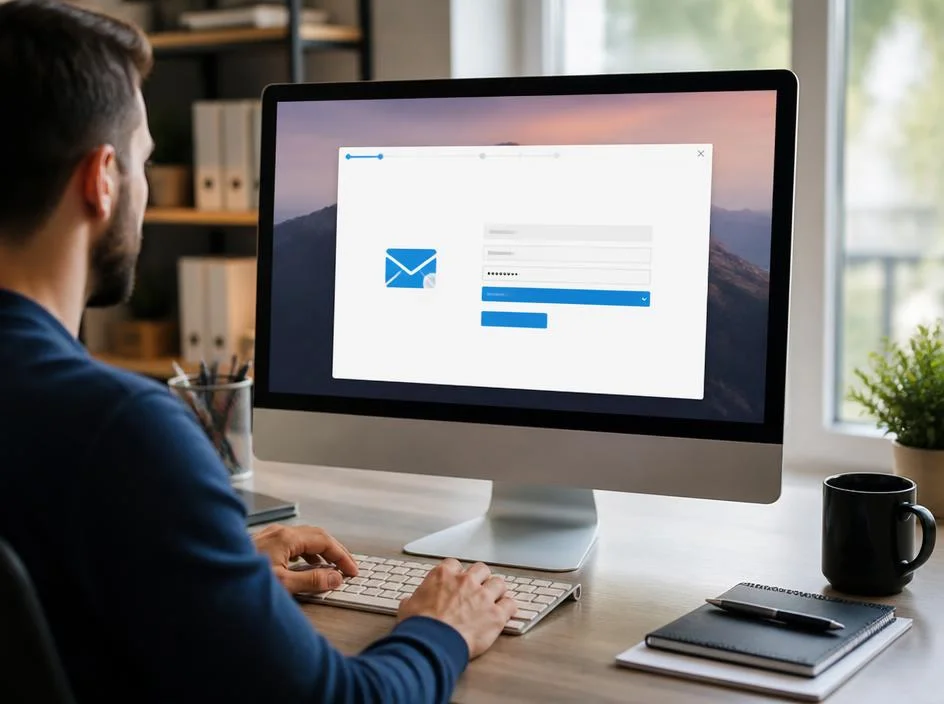
Accessing your mailbox on the go is a requirement for the modern workforce, making mobile app stability a high priority. The mobile version of the client uses different optimization techniques to save battery life and reduce data consumption while staying connected. These background processes ensure you receive notifications the moment a new message arrives in your inbox.
Issues on mobile devices are often related to background data restrictions or power-saving modes that put the application to sleep. To ensure a constant link, you must grant the app permission to run in the background and use cellular data without limits. This guarantees that your folders stay updated even when the screen is off.
If the app fails to sync, clearing the application data or re-authenticating the account usually clears the hurdle. Sometimes, a simple restart of the device or toggling airplane mode can reset the network handshake. Mobile devices are prone to temporary network glitches that can be easily resolved with these basic troubleshooting steps.
Properly managing your business correspondence is as important as maximizing savings through smart corporate fleet choices or other tax-efficient salary packaging options. Having all your professional tools, including email and finance apps, synchronized on your phone allows for quick decision-making and better time management throughout the busy work week.
« The quality of your digital connection often determines the speed of your professional growth in an increasingly remote and interconnected world. »
Optimizing the web-based email experience
When using the web interface, your browser acts as the primary gateway to your mail server, making its configuration paramount. Modern browsers are highly optimized for these tasks, but heavy extensions or an overloaded cache can slow down the interface. Keeping your browser updated ensures that you benefit from the latest speed and security patches.
Using a private or incognito window is a great way to test if your browser settings are interfering with the mail portal. If the interface loads faster or works better in this mode, it is a clear sign that you need to clear your cookies or disable certain extensions. This simple test saves time during the troubleshooting process.
For those who prefer a desktop-like experience on the web, enabling desktop notifications and offline access is a smart move. These features allow you to stay productive even if your internet dips for a few moments. It bridges the gap between a local application and a purely web-based solution for maximum flexibility.
High-speed fiber connections provide the best environment for web-based mail, but the system is designed to work even on slower links. Adjusting the display settings to show fewer messages per page can help the interface load more quickly on restricted networks. This customization ensures that your mailbox remains usable regardless of your current location.
Maintaining your local data files and folders
Local data files serve as the backbone of your desktop mail experience, storing a copy of your messages for quick access. Over time, these files can grow significantly in size, leading to sluggish performance or frequent crashes. Running the built-in repair tools periodically can help maintain the integrity of these databases and prevent data loss.
Archiving old messages is another effective strategy for keeping your primary data files lean and responsive. By moving older correspondence to a separate archive file, you reduce the load on the application during startup and search operations. This practice ensures that your most recent and relevant emails are always instantly accessible.
Backing up these local files is essential, especially for those who use protocols that do not keep a permanent copy on the server. In the event of a hardware failure, having a recent backup allows you to restore your entire mailbox history without losing a single message. This safety net is vital for maintaining a professional record of all communications.
Effective data management relies on a solid cloud infrastructure to ensure that your backups are stored safely off-site. Many businesses now leverage integrated cloud storage solutions to automatically sync their local mail files with secure remote servers. This automation reduces the risk of human error in the backup process and provides peace of mind.
✅ Connectivity Best Practices Summary
To maintain a perfect link to your mailbox, follow these simple daily habits:
- Keep your software and operating system updated at all times.
- Use strong, unique passwords combined with two-factor authentication.
- Monitor the size of your local data files and archive old emails.
- Verify server port settings whenever you experience a sync failure.
- Ensure that background data is enabled for mobile applications.
Future-proofing your email communication strategy
As technology evolves, the way we connect to our mailboxes will continue to become more integrated and automated. Staying informed about upcoming changes in security standards and protocol deprecations allows you to adapt before your service is interrupted. Being proactive is always better than reacting to a sudden loss of connectivity during a busy day.
Transitioning to cloud-first solutions is a trend that shows no sign of slowing down, as it offers the best balance of accessibility and security. By moving away from legacy systems, you ensure that your communication tools remain compatible with the latest hardware and software innovations. This forward-thinking approach is a hallmark of successful digital transformation for any scale of business.
Collaboration tools are also becoming more tightly woven into the mail experience, requiring even more robust network links. Shared calendars, real-time document editing, and video conferencing all rely on the same underlying connection stability. A well-optimized mailbox is the foundation upon which these more complex collaboration features are built for maximum efficiency.
Ultimately, the goal of optimizing your connection is to make the technology invisible, allowing you to focus entirely on your work. When your tools work perfectly, you can communicate more effectively, collaborate more deeply, and achieve your professional goals with less stress. Investing time into your setup today pays dividends in productivity for many years to come.
Whether you are an individual user or managing a large team, the principles of stable connectivity remain the same. Consistency, security, and regular maintenance are the three pillars of a reliable digital workspace. By following the advice outlined in this guide, you can ensure that your email remains a powerful asset rather than a technical burden.
Continuous learning and adaptation are necessary in the ever-changing world of information technology. As new threats emerge and new features are released, staying curious and informed will keep your connection secure and efficient. Your mailbox is often the first thing you check in the morning and the last thing you see at night; make it work for you.
By mastering these technical aspects, you gain a level of control over your digital environment that few others possess. This expertise allows you to solve problems quickly, help colleagues, and maintain a high level of professional presence in all your interactions. Start optimizing your settings today and experience the difference that a truly stable connection can make.
