✨ Executive Summary: The Higgsfield Verdict
Higgsfield positions itself as a premier multi-model orchestrator for professional creators. It excels in providing granular cinematic control via its Cinema Studio but operates on an aggressive credit-based pricing structure. It is the ideal choice for those who need access to cutting-edge models like Sora 2 in a single dashboard, provided they have the budget to manage the high credit consumption of premium features.
The strategic advantage of the higgsfield.ai ecosystem
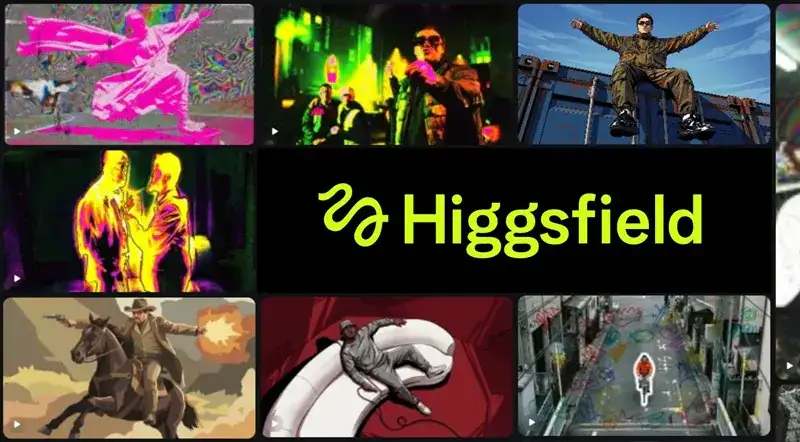
At the center of this technological breakthrough is the higgsfield.ai architecture, which focuses on providing creative flexibility through diversity. Unlike traditional platforms that lock users into one specific visual style, this ecosystem allows for the selection of different engines depending on the project’s requirements. Whether you are looking for the hyper-realism of a cinematic landscape or the stylized aesthetics of a digital art piece, the platform serves as a central gateway to the best models currently available in the industry.
The core philosophy here is one of professional empowerment, moving away from the « lottery » feel of basic text-to-video tools. By integrating proprietary models like the Higgsfield DOP, the platform provides specialized VFX controls that handle complex lighting and physical interactions with high fidelity. This ensures that the generated content doesn’t just look impressive in a single frame but maintains temporal consistency throughout the entire sequence, which is essential for any professional video project.
Furthermore, the inclusion of Google Veo 3.1 introduces a native sound generation capability that solves a major friction point in AI video workflows. Being able to generate a clip that already includes background music and synchronized ambient sound effects saves hours of post-production work. This integration allows for a more fluid creative process, where the visual and auditory elements of a scene are conceived and rendered as a single, unified multimedia asset for immediate review.
Battle of the giants: higgsfield ai vs Runway
The industry standard for AI video has long been defined by a few key players, and any higgsfield ai vs Runway comparison must look at the specific needs of the end-user. Runway offers a highly polished, integrated editing environment with tools like inpainting and motion brushes that feel very familiar to traditional video editors. It is built to be an all-in-one suite where you can generate, edit, and refine your footage within a single, cohesive user interface.
However, Higgsfield takes a different approach by prioritizing raw model access and cinematic precision. While Runway relies on its proprietary Gen-3 engines, Higgsfield allows you to tap into the specific strengths of Sora 2 for realism or Veo 3.1 for sound. If your workflow depends on getting the highest quality « raw » generation possible, the variety within Higgsfield gives you a broader range of visual styles and physics models to choose from before you even begin the editing process.
In terms of camera movement, Higgsfield’s Cinema Studio offers more traditional terminology and granular handles for pans, tilts, and dollies. This appeals directly to cinematographers who want to translate their knowledge of physical camera rigs into the digital space. While Runway’s motion tools are powerful, they can sometimes feel more like a post-production effect, whereas Higgsfield’s controls are deeply embedded into the initial generation phase for more natural results.
| Feature Comparison | Higgsfield AI | Runway Gen-3 |
|---|---|---|
| Model Variety | Sora 2, Veo 3.1, DOP | Proprietary Engines |
| Camera Control | Advanced Cinema Studio | Motion Brush & Sliders |
| Native Audio | Yes (via Veo 3.1) | Advanced Multi-tool |
| Pricing Logic | Strict Credits | Unlimited Subscription Tiers |
Motion consistency: higgsfield ai vs kling
Another major contender in the generative space is Kling, which has gained a reputation for its impressive motion consistency and long-form video capabilities. When evaluating the platform against Kling, the difference lies primarily in the intended user base. Kling is exceptionally strong at maintaining the integrity of a human subject’s movement over extended periods, making it a favorite for character-driven stories and social media content that requires fluid, human-like action.
Higgsfield counters this by offering more specialized « Director » tools. While Kling focuses on the ease of generating a usable clip, Higgsfield provides the technical infrastructure to manipulate that generation in a professional studio environment. The Cinema Studio allows for a layer of control over the environment and camera that feels more precise than the current Kling interface, although Kling is rapidly closing the gap in terms of accessibility and user-friendly features.
The choice between the two often comes down to the volume of content versus the depth of control. Kling’s pricing and rendering speeds are highly optimized for creators who need to generate dozens of clips a day. Higgsfield, with its premium model access, is better suited for a boutique agency or a specialized creator who is willing to spend more time—and more credits—to get a single, perfect cinematic shot that rivals traditional film production.
On-the-go production with the Higgsfield AI app download
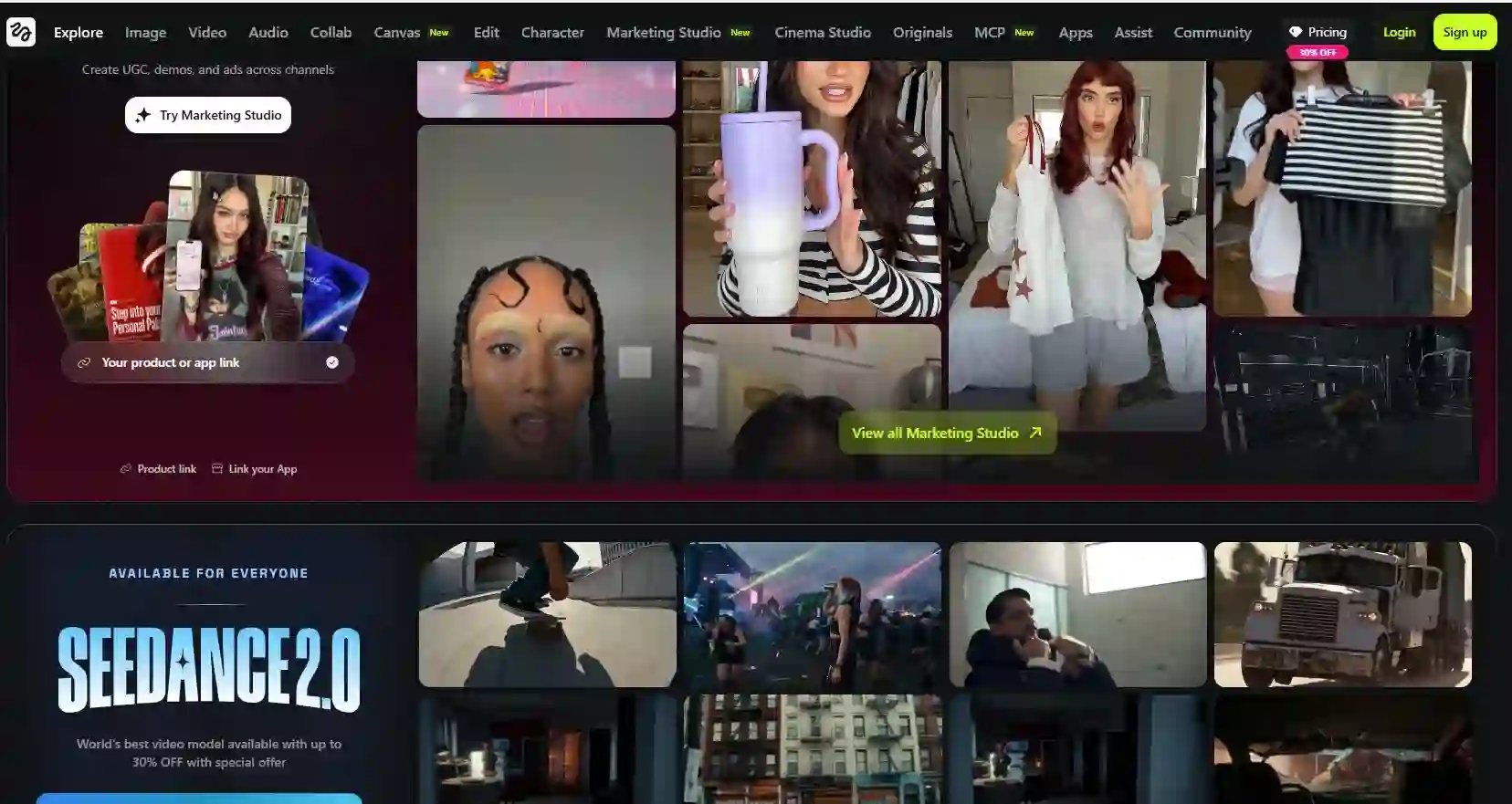
Mobile accessibility is no longer just a luxury; it is a requirement for modern content creation workflows. The Higgsfield AI app download brings desktop-grade video generation to smartphones, allowing creators to initiate renders, check progress, and apply upscaling filters while away from their main workstations. This mobile integration is particularly useful for social media managers who need to iterate on ideas quickly and respond to real-time trends with high-quality visual assets.
The mobile app preserves the essential features of the web dashboard, including the selection of different engines and the use of the LipSync Studio. While the granular controls of the Cinema Studio are easier to navigate on a larger monitor, the app provides a surprisingly intuitive interface for adjusting prompts and parameters on a touch screen. This allows for a continuous workflow, where inspiration can be captured and processed the moment it strikes, regardless of the creator’s location.
Security is also a major focus of the mobile experience, with support for single sign-on via Apple, Google, and Microsoft. This ensures that team members can collaborate on the same project history across multiple devices without the friction of complex login procedures. The ability to start a project on a desktop and finalize the upscale or audio sync on a tablet provides the kind of professional mobility that modern agencies require to stay productive in a fast-paced digital environment.
💡 Optimization Tip: Managing Your Credit Burn
To avoid wasting premium credits, use the « Basic » or proprietary models to test your prompts and camera angles first. Once you are satisfied with the composition and motion of your clip, re-render it using the high-end multi-model video generation engines and apply the 4K Video Upscale for your final, production-ready deliverable.
Comparing higgsfield ai vs freepik and openart
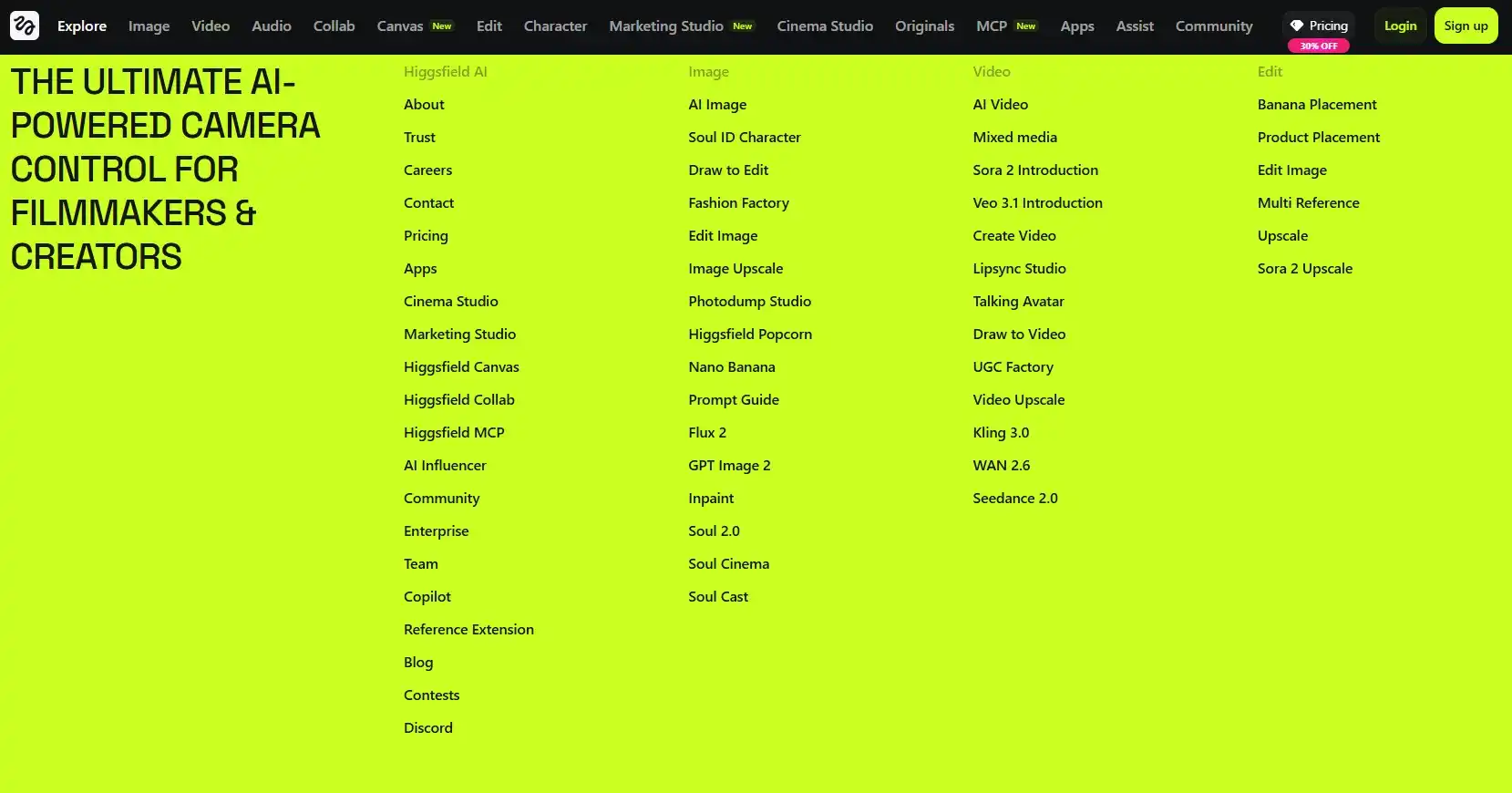
For creators who are coming from a background in graphic design or static asset management, the comparison of higgsfield ai vs freepik reveals the fundamental shift from 2D assets to 4D storytelling. Freepik has built a massive audience by providing high-quality stock imagery and AI-generated backgrounds, but its video capabilities are primarily focused on simple motion or background loops. It is an excellent resource for quick, static visuals, but it lacks the narrative depth required for cinematic video production.
Higgsfield, on the other hand, is built for the director who needs time-based consistency and physical realism. While you might go to Freepik for a stunning background image, you would use Higgsfield to animate that environment, add characters, and control the camera movement through the scene. The two tools serve different stages of the creative funnel, with Higgsfield acting as the final production engine for high-end video content that demands more than just a moving image.
Similarly, the higgsfield ai vs openart debate centers on the transition from artistic exploration to commercial delivery. OpenArt is a community-driven powerhouse for exploring different stable diffusion styles and generating artistic stills. While it has introduced video features, it remains primarily a tool for artists. Higgsfield focuses on the technical requirements of the film and advertising industries, prioritizing realism, physics, and production-ready resolutions over purely abstract artistic experimentation.
Strategic messaging: higgsfield ai vs heygen
In the world of corporate communications and virtual spokespeople, the comparison of higgsfield ai vs heygen is critical. HeyGen has mastered the art of the « talking head » avatar, providing a seamless way for companies to generate localized training videos and personalized sales messages. Its strengths lie in its perfect lip-syncing, human-like narrators, and a workflow that is highly optimized for informational content where a person is speaking directly to the camera.
Higgsfield offers a much wider cinematic canvas. While it does include character animation features via its LipSync Studio, its primary mission is to create entire worlds, cinematic scenes, and atmospheric visuals. If you need to create a commercial that features varied camera angles, wide landscapes, and cinematic action, HeyGen’s narrator-focused approach will be too limited. Higgsfield is for the creator who needs to build a universe, not just a spokesperson, offering a level of visual scale that narrators cannot provide.
For a complete digital strategy, many agencies choose to use both. You might use HeyGen to create the narrator for an educational video, but you would use Higgsfield to generate the cinematic B-roll and atmospheric shots that give the video its premium feel. Understanding the boundary between character-centric communication and atmospheric storytelling is the key to choosing the right tool for each segment of your video production pipeline, ensuring that every frame serves its intended purpose.
🚀 Key Takeaways: Mastering the Platform
- Multi-Engine Strategy: Switch between Sora 2 for realism and Veo 3.1 for sound-integrated clips.
- Cinema Studio Control: Use professional handles for pan, tilt, and dolly zoom to direct the AI’s eye.
- Credit Management: Premium models like Sora 2 can consume up to 80 credits per render—plan your shots carefully.
- 4K Upscaling: The internal Video Upscale tool is essential for professional delivery but adds to the final credit cost.
- Mobile Workflow: Use the app for iterative reviews and quick social media updates while on the move.
Technical deep dive into Cinema Studio and Video Upscale
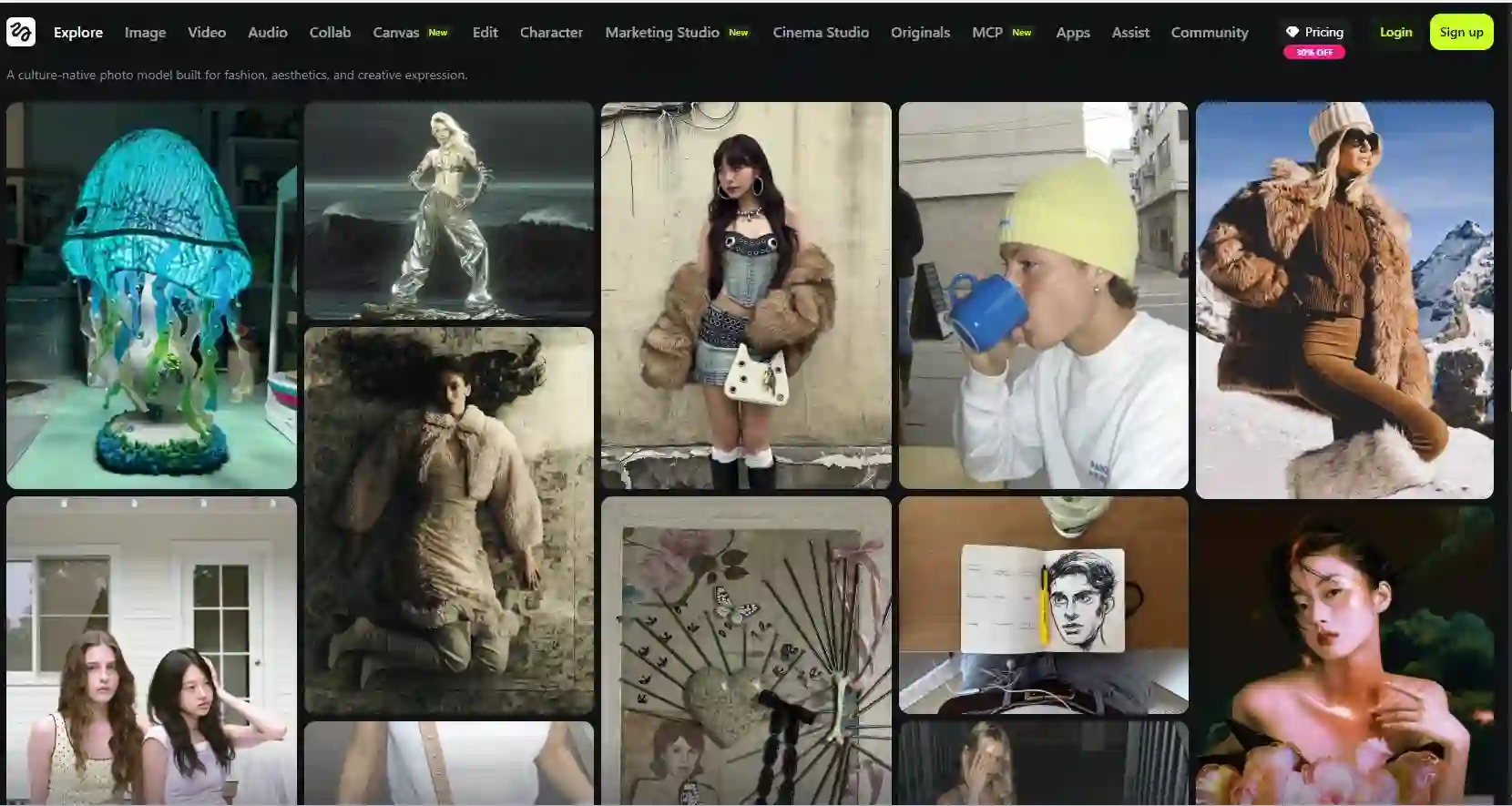
The Cinema Studio is the professional heart of the platform, designed to give users the same level of control they would have on a physical movie set. By manually defining the camera path, you can create complex visual movements that go far beyond what a simple prompt can achieve. This is particularly important for maintain consistency in scenes where the subject needs to be followed through a changing environment, a task that often confuses less sophisticated AI video generators.
One of the most impressive aspects of this studio is how it handles the relationship between the camera and the lighting. Because the models are trained on high-end cinematic footage, they understand how shadows and reflections should shift as the camera moves through a space. This attention to physical detail is what gives the final output its « expensive » look, making it suitable for luxury brands and high-budget marketing campaigns that cannot afford the « flat » look of cheaper AI alternatives.
Once the generation is complete, the Video Upscale tool takes the raw output—which is often rendered at lower resolutions to save processing time—and transforms it into a crisp 4K deliverable. This isn’t just a simple scaling process; the AI actually adds missing details, sharpens edges, and removes artifacts that might have appeared during the initial generation. The result is a clean, professional file that can be used for large-screen displays, television broadcasts, or high-definition social media platforms.
Understanding pricing plans and credit strategy
Navigating the pricing structure is perhaps the most challenging aspect for new users. The platform offers four main tiers, starting at $9 per month for a Basic plan and scaling up to $119 for the Creator plan. While the entry-level pricing seems accessible, it is important to realize that 150 credits can disappear after just two or three high-quality Sora 2 renders or a single complex Cinema Studio session with an upscale. For a professional studio, the Ultimate or Creator plans are often the only viable options.
The « Ultimate » plan, priced at $29.40 per month, provides 1,200 credits and is where most serious creators find their balance. This allows for approximately 15 to 20 finished, upscaled videos per month, depending on the models used. For high-volume social media agencies that need to produce dozens of variants for testing, the Creator plan’s 6,000 credits provide the necessary buffer to experiment without fear of hitting a hard limit in the middle of a campaign production cycle.
It is also worth noting that credit consumption is tied directly to the complexity of the feature used. A simple text-to-video prompt using a basic model might only cost 15 credits, but adding Cinema Studio movements and a 4K upscale can easily push the total cost per video to 85 credits or more. This makes it crucial to have a clear creative direction before you start clicking « Generate, » as the cost of trial-and-error can add up very quickly in a professional workflow environment.
⚠️ Important Pricing Disclaimer
Unlike competitors like Runway, Higgsfield does not offer a free tier. To test the platform, you must subscribe to at least the Basic plan. Because high-end models consume credits rapidly, the $9 tier acts more like a paid trial than a functional plan for ongoing professional production. Budget carefully for the Ultimate or Creator tiers if you plan to use this for commercial projects.
Final perspective on the future of AI cinematography
As we look toward the future, platforms that integrate multiple models and provide professional-grade control will likely become the industry standard for high-end digital creation. By offering access to elite engines like Sora 2 alongside specialized cinematic tools, this ecosystem provides a glimpse into a world where physical cameras are no longer the primary tool for capturing light and emotion. For creators willing to master the technical nuances of these systems, the possibilities for storytelling are virtually limitless.
However, the human element remains the most important part of the equation. No matter how powerful the AI becomes, it still requires a director’s eye for composition, pacing, and narrative structure to create something truly memorable. By studying the ultimate ranking of the best movies and series of all time, you can learn the timeless principles of storytelling that will help you use these AI tools more effectively, ensuring that your generations aren’t just visually impressive, but emotionally resonant as well.
The journey from a blank prompt to a cinematic masterpiece is now shorter than ever, but it still requires a commitment to learning and adaptation. As the market continues to evolve, the ability to pivot between different models and workflows will be the hallmark of a successful digital creator. Whether you are building a small social media campaign or an ambitious short film, these tools provide the technical foundation to bring your most creative visions to life with a level of fidelity that was recently thought to be impossible.
Final Score: Is it Worth it?
For professional creators who demand cinematic excellence and multi-model versatility, Higgsfield is a powerhouse. While the cost per video is higher than some competitors, the precision of the Cinema Studio and access to Sora 2 make it a unique asset in the professional toolkit.
