
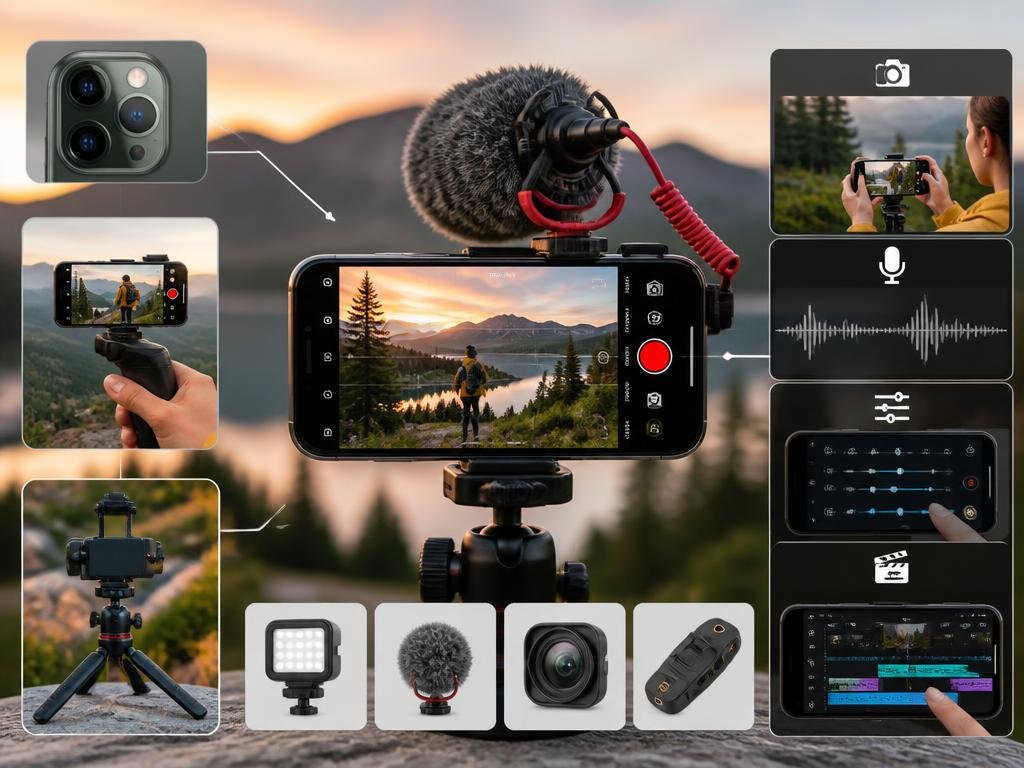
Learning how to record on my cell phone is an essential skill for modern digital users. Whether you are capturing a spontaneous moment, documenting a professional interview, or creating educational content, your mobile device serves as a powerful multimedia studio. With the rapid evolution of smartphone technology, you no longer need expensive hardware to produce high-quality audio or video files. Understanding the built-in features and optimal settings will transform how you interact with your device daily. This comprehensive overview explores the best methods to master your mobile recording capabilities with efficiency and total confidence.
Modern smartphones offer a variety of tools that simplify the process of capturing high-fidelity media. Before you begin, identify the primary purpose of your capture to choose the right software or hardware accessories. From native applications to advanced third-party editing suites, the ecosystem is vast and highly accessible. By leveraging these powerful resources correctly, you ensure your files are clear, professional, and ready for immediate sharing. Prepare to discover the technical nuances and creative techniques that will elevate your mobile production game. Let us dive into the best practices for capturing content flawlessly today.
💡 Essential Preparation Tips
- Ensure your lens or microphone is clean before starting.
- Check your available storage space to prevent sudden interruptions.
- Enable Do Not Disturb mode to avoid unwanted notifications during capture.
- Test your lighting conditions to maintain professional image quality.
Exploring the basics of mobile screen capture
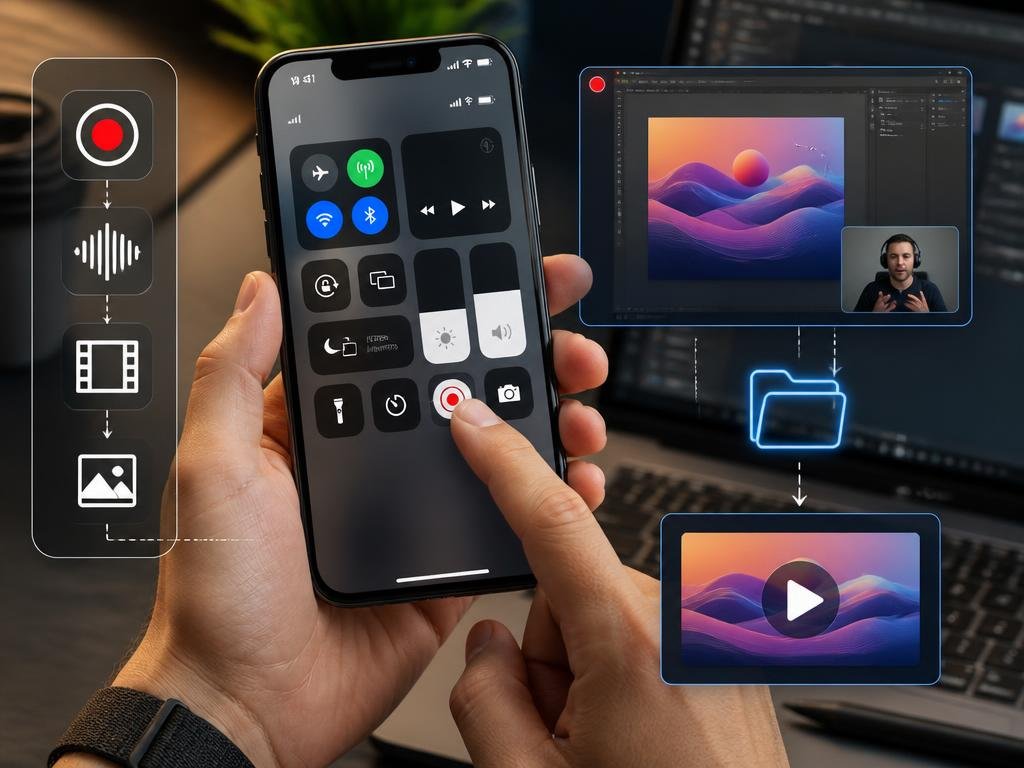
Most current operating systems include a native tool for screen recording, allowing you to save your device activity effortlessly. This feature is perfect for tutorials or demonstrating specific software workflows. Simply access your control center, locate the record icon, and begin your capture immediately. Ensure your system audio is toggled on if you need to include internal device sounds during the process.
Once you finish, the file is automatically saved to your gallery for quick review or sharing. If you find the built-in options limited, there are numerous specialized applications that provide extra features like annotation or face-cam integration. These tools are often indispensable for creators building technical website content who require high precision. Always remember to check your privacy settings before recording content involving sensitive personal data to maintain digital security.
Pro Tip: When recording long sessions, always plug your phone into a power source. Sustained recording drains battery life quickly, and losing your progress due to power failure can be incredibly frustrating during critical tasks.
Mastering audio recording for professional results
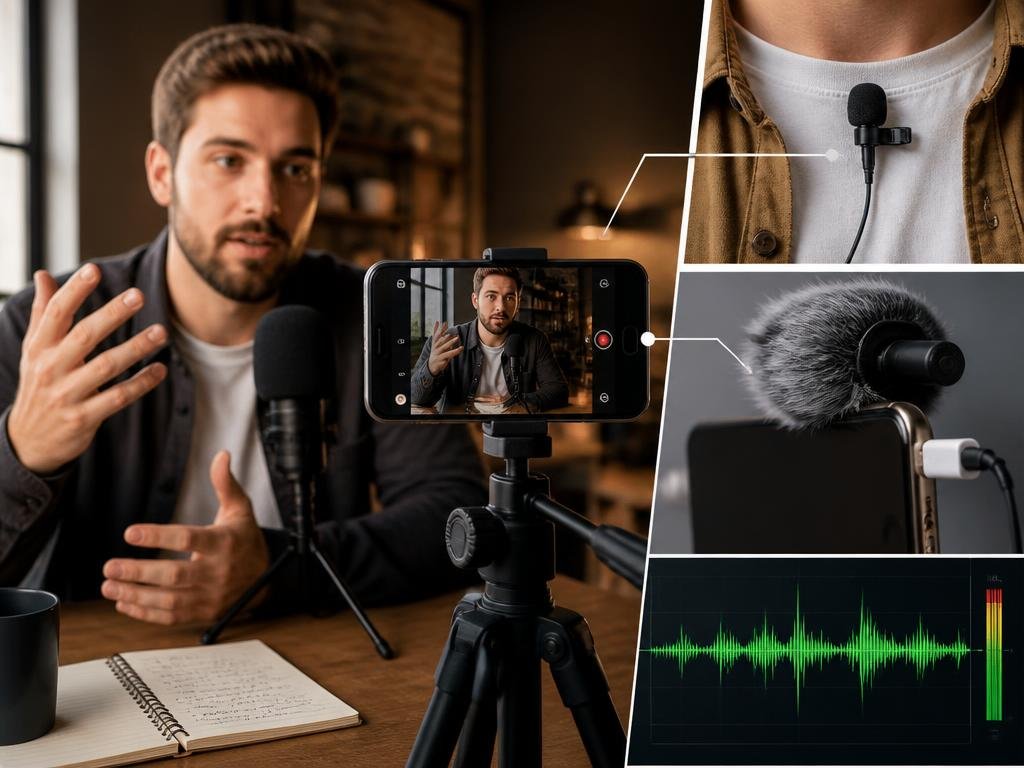
High-quality audio is often more important than image quality for viewer engagement. When you want to record on my cell phone with superior clarity, distance from the source is the most critical factor. Place your device close to the speaker or instrument to reduce ambient background noise and enhance the overall warmth of the captured sound files.
For those interested in specialized mechanics, such as researching automotive production origins, crisp audio helps document detailed notes clearly. If your environment is noisy, consider using an external lapel microphone. Most mobile devices support plug-and-play accessories that drastically improve your audio profile. Consistent volume levels and balanced input gains will ultimately make your final production sound truly polished and broadcast-ready.
✅ Quick Checklist for Success
Keep this checklist handy to ensure every session goes smoothly:
- Verify your storage capacity before hitting the record button.
- Adjust your microphone gain to avoid peaking or distortion.
- Use a tripod for steady shots to avoid shaky footage.
- Review your output file immediately after recording is finished.
Advanced tips for high-quality video production
When recording high-definition video, stability and lighting are your best allies. Always use natural light sources if possible, positioning them in front of your subject rather than behind. If you are examining modern manufacturing methods, good lighting allows for better detail recognition. Avoid zooming in digitally, as this reduces the final resolution of your recorded video files.
Instead, try moving physically closer to your subject to maintain the full sensor quality of your smartphone camera. If your device supports grid lines, enable them to keep your frame perfectly balanced according to the rule of thirds. This simple adjustment creates a more cinematic look that feels professional and visually appealing to your audience during playback or social sharing.
Did you know?
Accidentally deleting important data during a technical issue can happen, but understanding system recovery processes is a smart way to prepare. The same logic applies to your recorded mobile media files; always keep a cloud backup of your most important captures to prevent potential loss due to hardware failures or accidental device resets.
Managing and editing your recorded media files
After your recording session ends, organizing your files is the next vital step. Rename your files immediately to avoid confusion and move them into categorized folders. Utilizing cloud storage services ensures that your content is accessible from multiple devices and remains safe from local storage issues. Use built-in editing software to trim unnecessary segments or enhance colors.
If you need advanced editing, there are powerful mobile apps designed for complex transitions and professional grading. Always export your final projects in a standard format like MP4 to ensure high compatibility across different platforms. By maintaining an organized workflow, you turn the simple act of recording into a refined creative process that produces lasting, high-impact digital content for your viewers.
